Stellar Blade’s first signs of life appear to come from a Tech Trailer in 2019, when it was revealed as „Project EVE“. Sony showed a first real trailer in a 2021 PlayStation showcase, and in 2022, a story trailer revealed the name: Stellar Blade.
What initially looked like a dress-up meme game with a bit of fistycuffs turned out to be a top-notch action game with a compelling, deep combat system. What also helped, of course, were the generally attractive visuals and female charms of the game’s heroine. The latter is an endless source of click-baity thumbnails (😉).
A PC demo was released in May 2025, and about one year later, I actually noticed that. The final version for PC followed in June of 2025.
And with that, hello and welcome to another Linux Performance Analysis. We’re taking a look at the Stellar Blade demo on PC on Bazzite Linux. Since it’s only a demo, access to levels is limited, and as such, so is what I can test and show.
We all know about Eve’s virtues, but how does she do on a Linux PC? Let me already put one fear to rest: the many… physics effects run without NVIDIA’s PhysX, so RTX-5000 users can relax now. And yes, AMD users, too. It’s just more fun to mock NVIDIA right now. AMD isn’t any better, I know. Back to the topic.
The more important questions we want to answer are how many FPS we can get and whether typical Unreal 4 issues intrude on the fun.
As always, I’ll briefly go over the hardware and software, and we’ll look at the game launch and main menu before we dive into the performance.
I also have a German version of this video.
Hardware & Software
I tested on my personal rig with a Ryzen 7800X3D, 32 GB RAM, and an RX 9070 XT GPU.
Bazzite used Kernel 6.17.7 and Mesa 26.0.3. I always run Bazzite in Steam Gaming Mode for a console experience. I selected ProtonGE 10.34 to use the PROTON_FSR4_UPGRADE option. Upscaling wasn’t necessary, though. All gameplay I recorded is at native 1440p. Stellar Blade detects the Steam Deck Mode and limits the graphics settings. Therefore, I also set „SteamDeck=0“ as a launch option to work around this.
Windows 11 is also part of the comparison and was on version 25H2 with all updates as of early April 2026. AMD’s Adrenalin driver was on version 26.3.1.
Now, let’s jump to the game’s launch experience and main menu.
Game Launch & Main Menu
If a game doesn’t come with its own 3rdparty launcher, it usually runs on Linux as if it were on Windows. And that is true for Stellar Blade as well.
Sadly, the graphics options don’t show any previews for the individual settings. But the game doesn’t require a restart after a change, so that’s good. It’s standard Unreal 4 stuff. For upscalers, you can choose between FSR and DLSS if you own an NVIDIA GPU. If you also own a high-refresh display, frame-gen might be worth testing. I didn’t do that, since the real frames were plenty enough without it.
Stellar Blade also comes with quite a few accessibility options, so you can tailor the game to your liking. Subtitles or HUD size is a common example. Additionally, you can disable quick-time events – thank you so much – and, something that is worth a shout-out, you can remap the controller bindings. The two sticks are fixed, but otherwise, you can assign almost all buttons to your liking.
Great stuff.
For all you multilingual players out there, you can select between several languages for audio and subtitles. I also liked that you can set different languages for both options. Many games don’t support this. Players like me, who occasionally record Let’s Plays on their German channel but prefer the English audio, can enable German subtitles for their viewers. Of course, it’s also great for everyone who prefers the Korean original audio and requires subtitles in their own language.
But that’s enough of the main menu. Apart from the lack of image quality previews, I am quite happy with it. Let’s continue with the game’s performance.
Performance
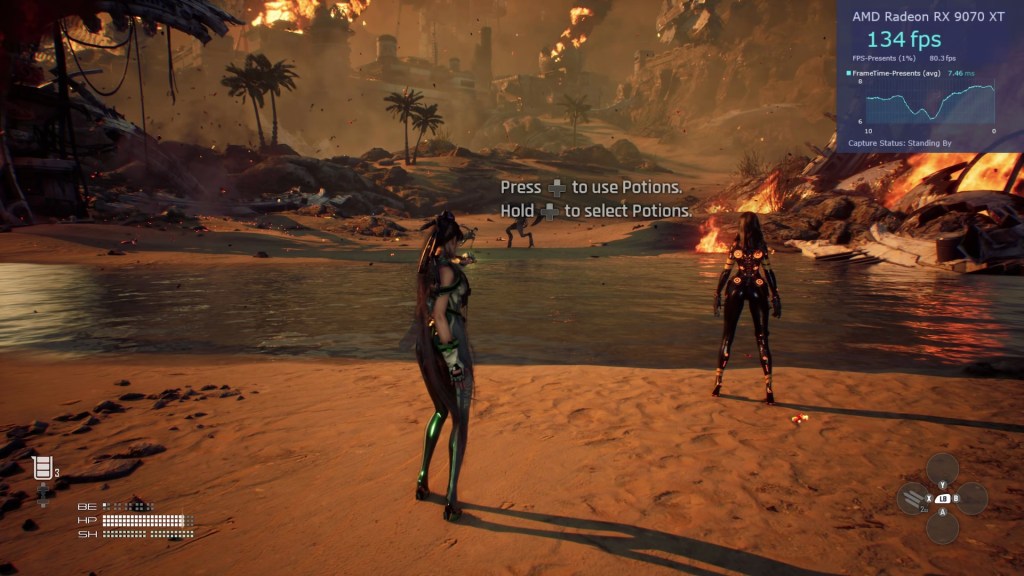
In this section, I’m focusing on the intro level. Because of the many scripted moments, I can show direct comparisons between graphics presets and also let Windows crash the party. The start of the game is very heavy on effects, which is a good stress test for the GPU.
This way, we can find out which system provides well-rounded performance and which mode has ample FPS.
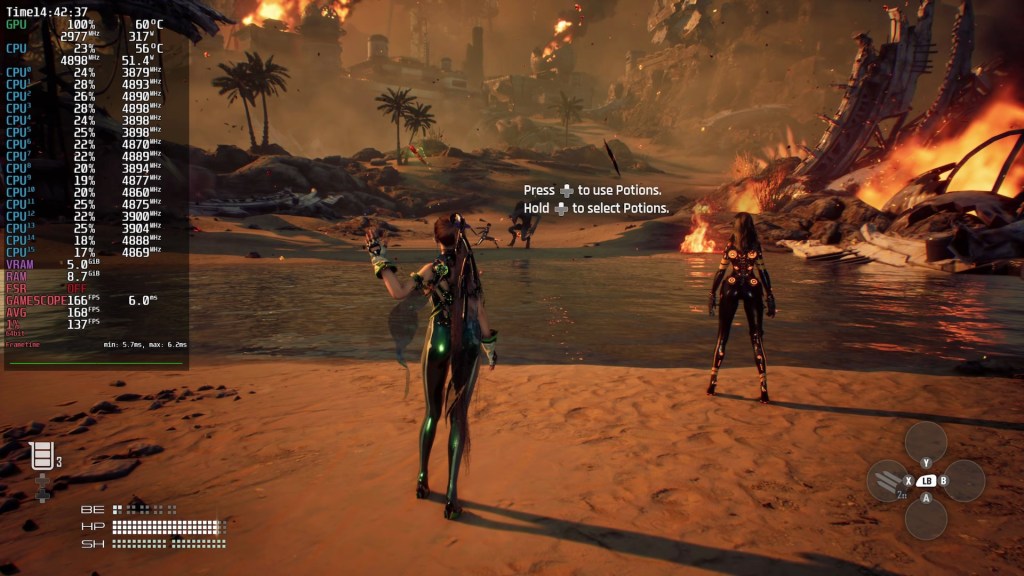
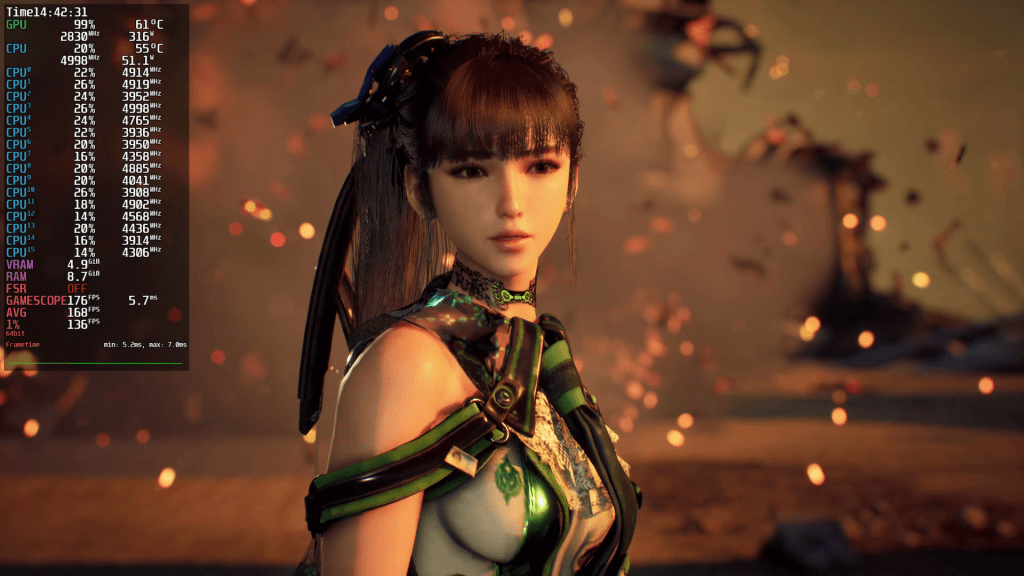
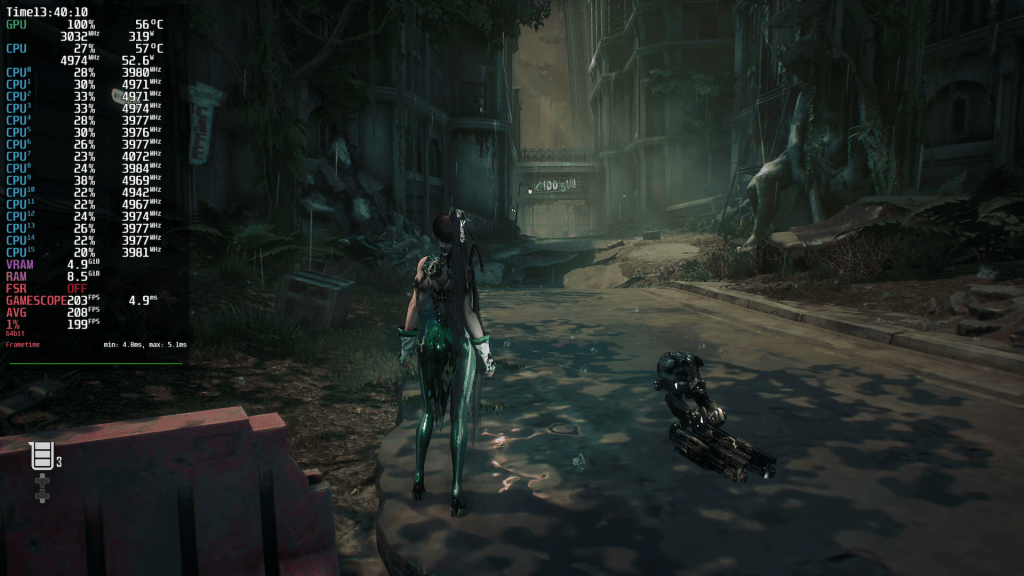
Let’s start off with Medium, and right off the bat, you can notice the mediocre texture quality. This setting improves across all presets. More on that later.
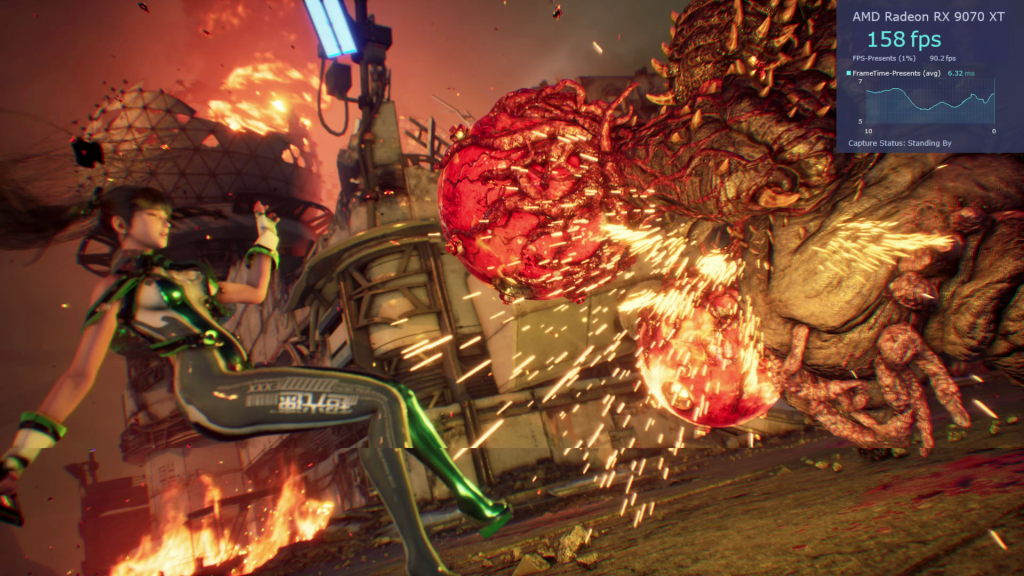
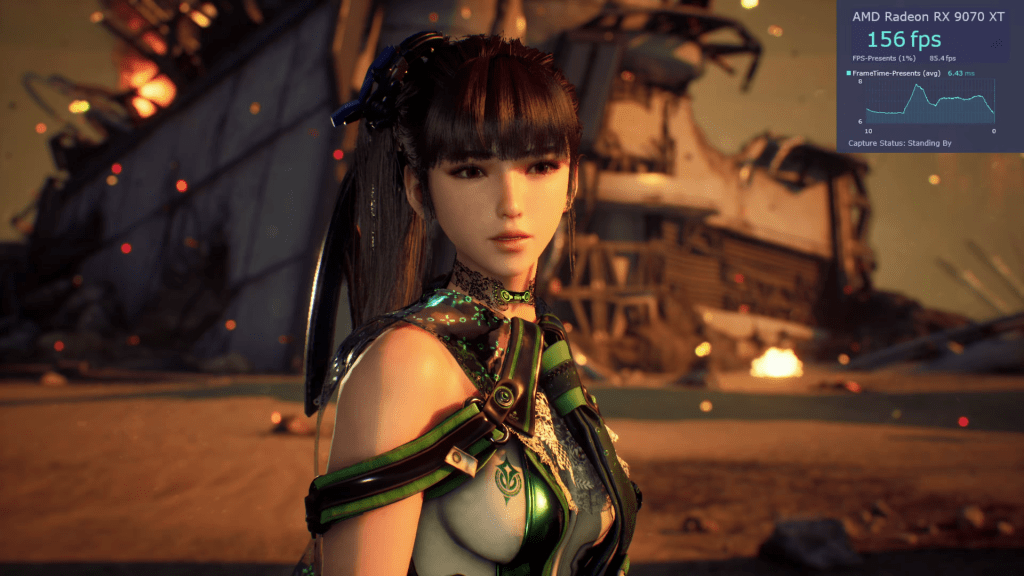
Stellar Blade is built with the older Unreal Engine 4, and as such, hardware like an RX 9070 XT has no issues whatsoever handling the medium preset. You’ll get way more than 100 FPS, over 150 on average, and you’ll even pass the 200-mark.
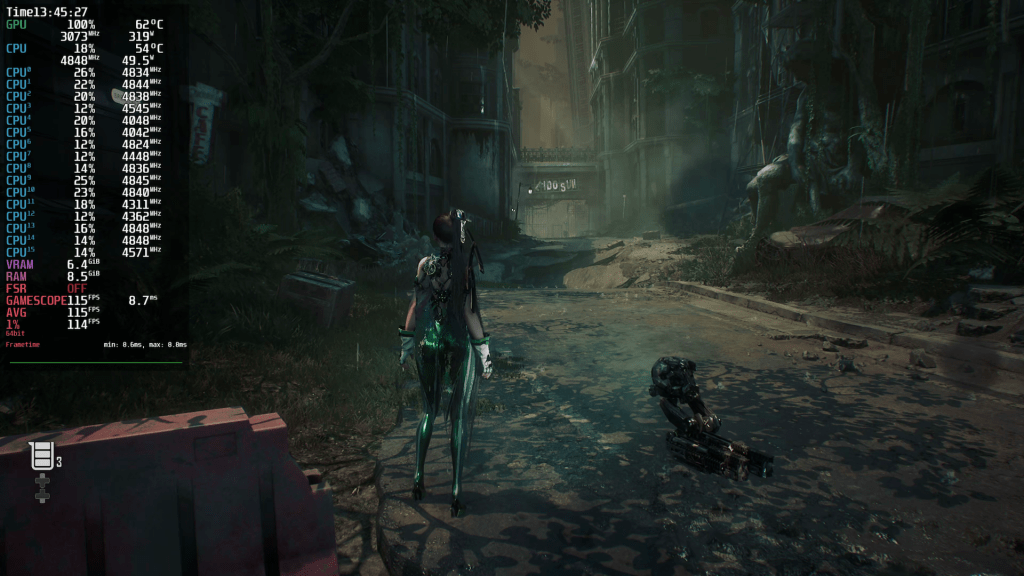
At the end of the tutorial level, Mangohud showed 158 frames per second on average and 109 FPS for the 1%-lows. Only the cutscenes with their lavish use of Depth of Field effects can cause „problems“. This is also an area where I must put in a good word for developer Shift Up. Cutscenes run at full performance. Stellar Blade doesn’t throttle the playback to just 60 FPS or, worse, 30.
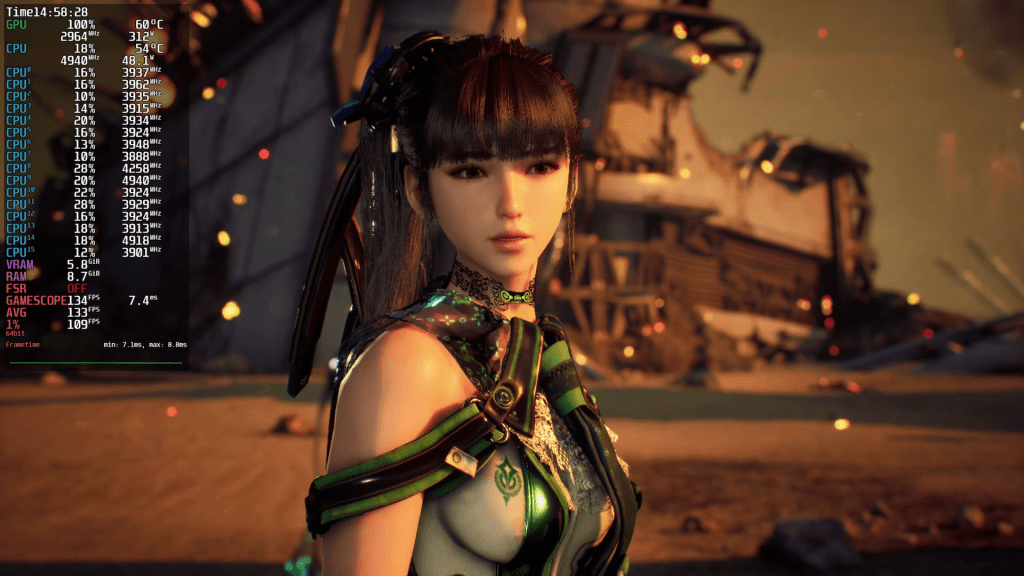
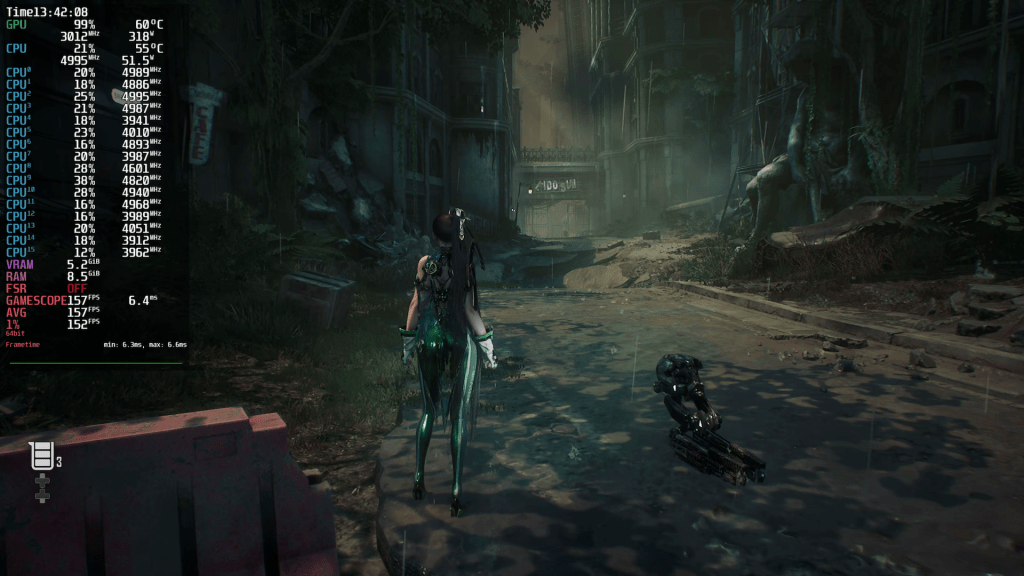
Now it’s time to put the Medium and High presets side by side and see what nicer curves cost us.
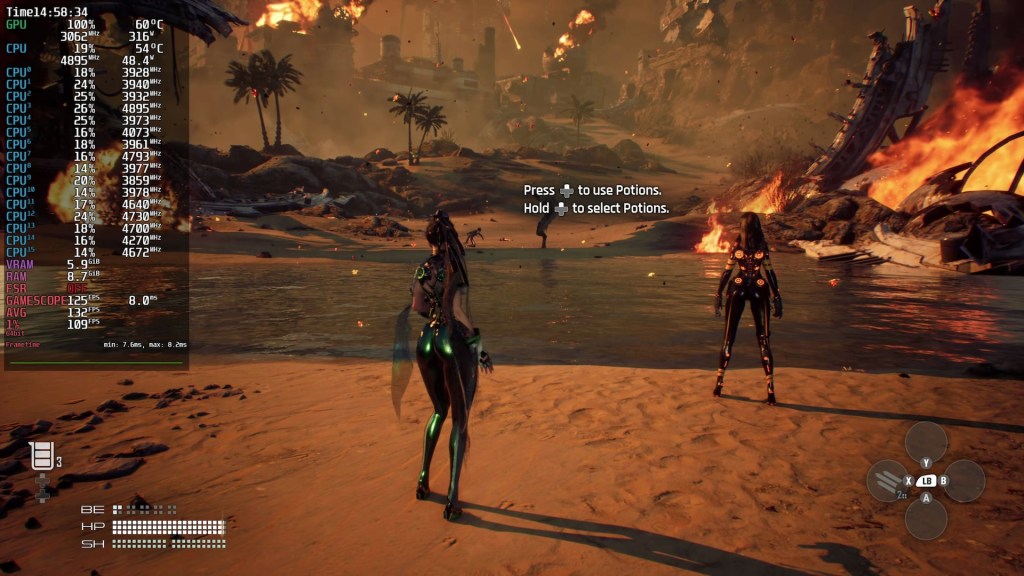
The performance difference is very noticeable. Where you saw 170 FPS before, you now get about 130 FPS. Other scenes drop from around 150 to 120. But, as performance is still very high, I would live with the tradeoff. At the end of the tutorial level, Mangohud showed 121 frames per second on average and 90 FPS for the 1%-lows.
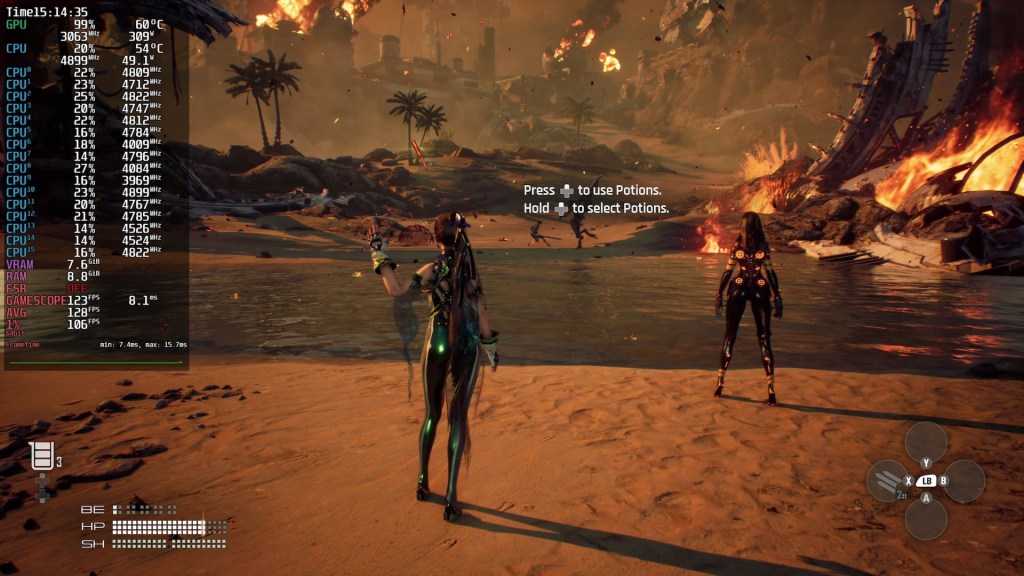
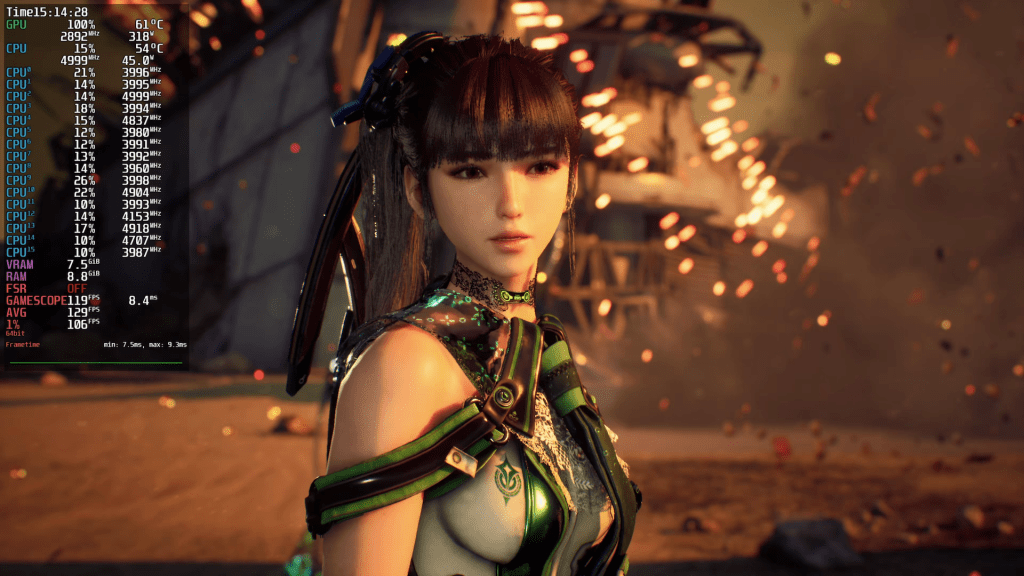
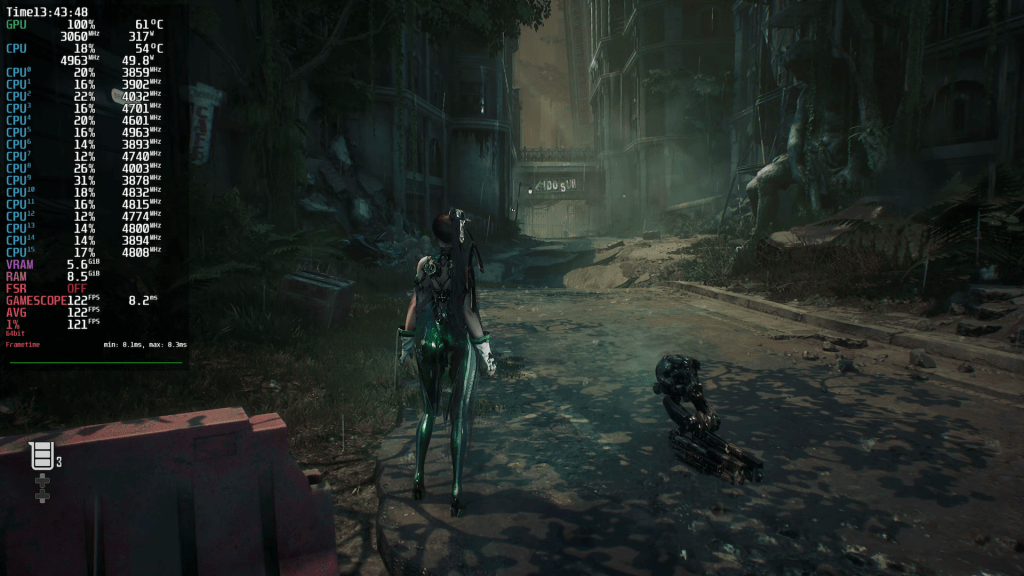
That only leaves us with the Very High preset, and the drop in performance is minimal, as is the gain in visual fidelity. You may notice a boost in shadow quality, but that depends on the scene and your sensibilities. What you will definitely notice is another boost in texture quality, especially in cutscenes. When we look at screenshots in a moment, you’ll see it more clearly.
At the end of the tutorial level, Mangohud showed 116 frames per second on average and 87 FPS for the 1%-lows.
In isolation, performance is great. But how does Bazzite compare to Windows 11? For this short comparison, I selected the Very High preset. I’ve been playing the intro for the 6th time, and the game doesn’t let you skip the long intro cutscene. I wanted to save myself some time.
Let me explain how I calculated the performance difference. From the beginning of the intro mission on the beach until the end, I put eight scenes side by side, frame-matched as much as I could. Among those were cutscenes, environments – if you can call the beach an „environment“ – and combat.
| Scene | Linux FPS | Windows FPS | Comment |
| Eve Reveal | 126 | 148 | Linux 85% of Windows 11 |
| Start on the beach | 133 | 146 | Linux 91% of Windows 11 |
| Falling tower | 125 | 134 | Linux 93% of Windows 11 |
| Combat in water | 125 | 140 | Linux 89% of Windows 11 |
| Combat on ground | 124 | 145 | Linux 85% of Windows 11 |
| Sprinting | 152 | 162 | Linux 93% of Windows 11 |
| Boss with balls | 134 | 149 | Linux 89% of Windows 11 |
| Alpha posing | 115 | 131 | Linux 87% of Windows 11 |
| Summary | 129 Average | 144 Average | Linux -15 FPS on average – 11% slower, or rather Win 11% faster |
Bazzite achieves around 85 – 90% of Windows’ performance, or is about 11% slower on average. At least in this first tutorial level on the beach. I only played the other level in the demo on Linux.
Screenshots
Since we already compared Linux and Windows in motion, we can concentrate on the image quality of the presets.
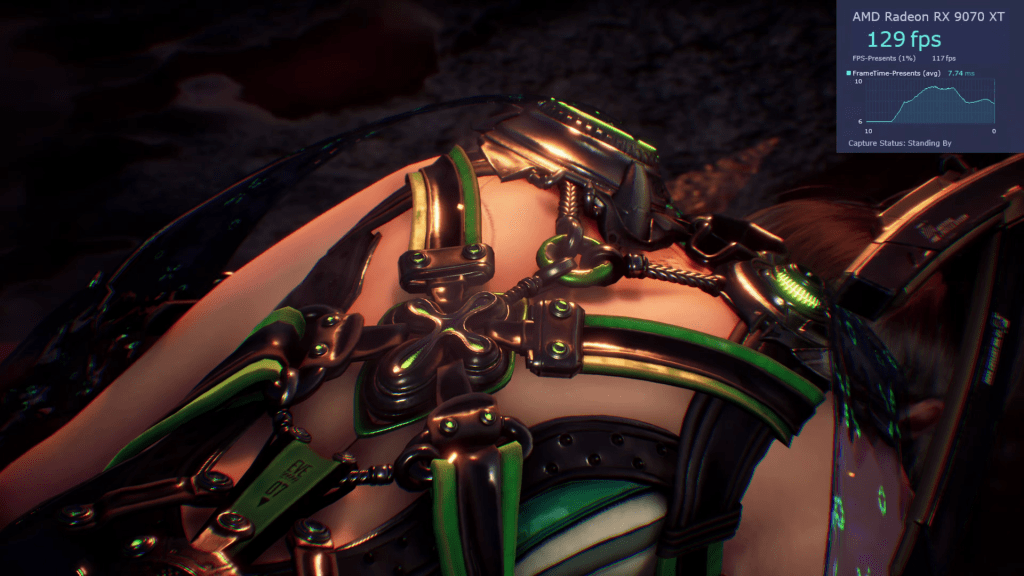
For the intro level, I only have screenshots of the recordings I did, which were in Medium, High, and Very High. If I’m honest, I only see big changes in the texture quality. And even that is only really noticeable on enemies or Eve’s outfit. Otherwise, I couldn’t see much of a difference on the beach.
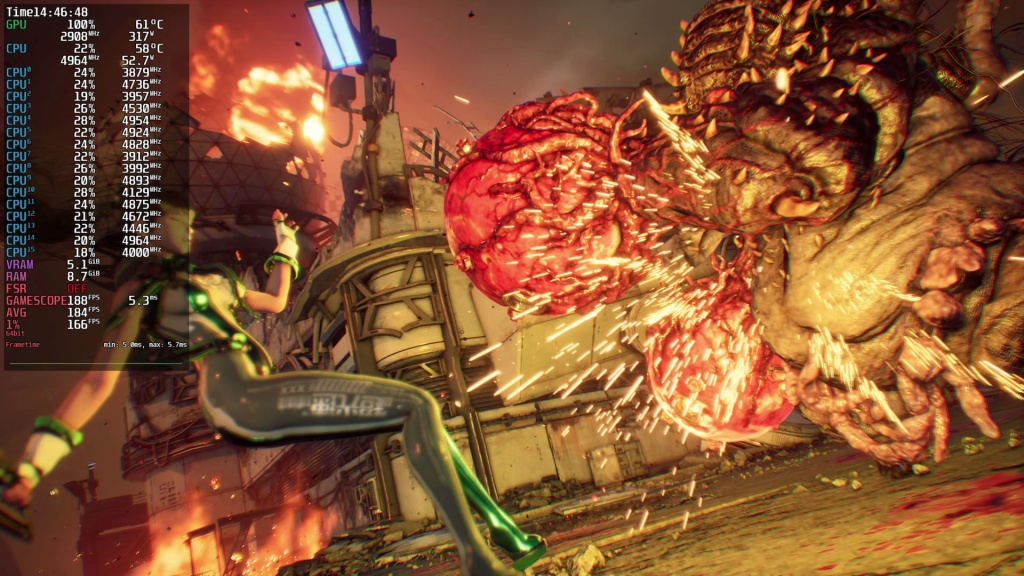
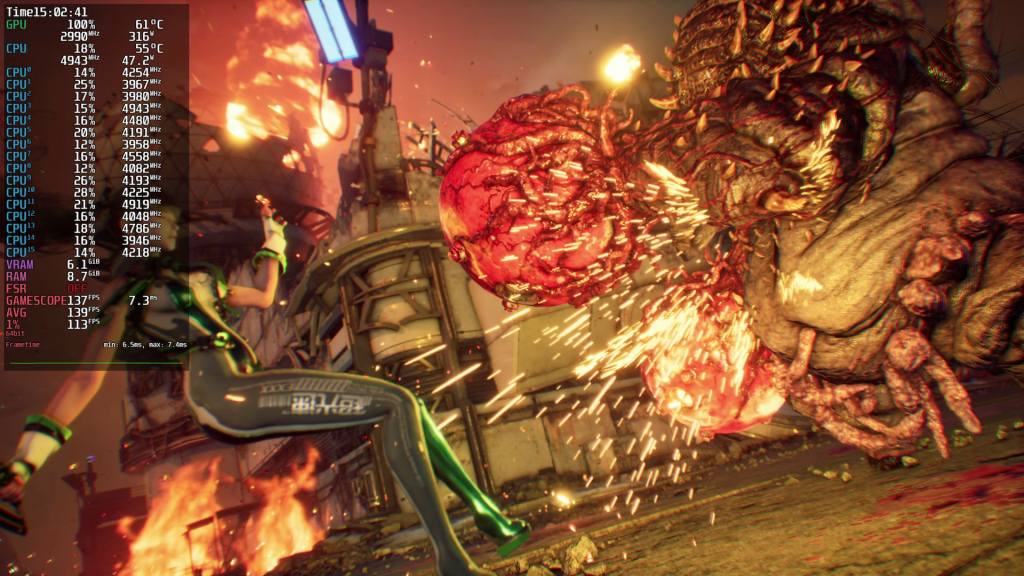
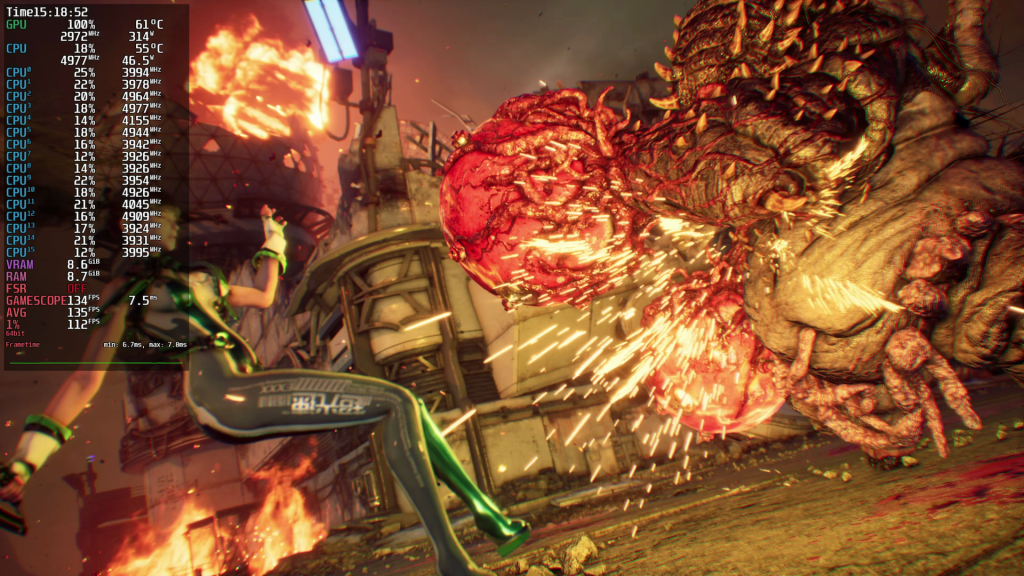
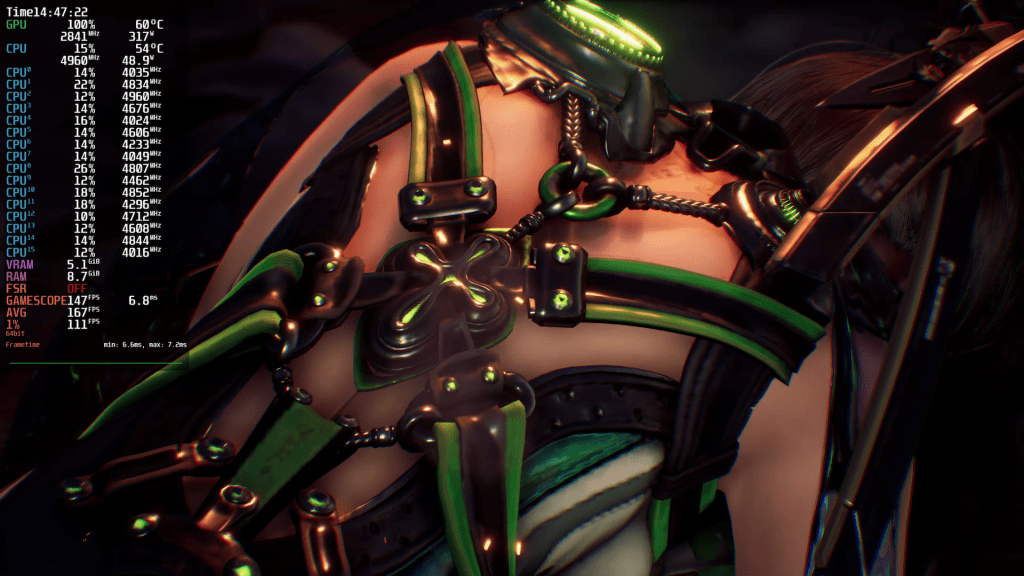
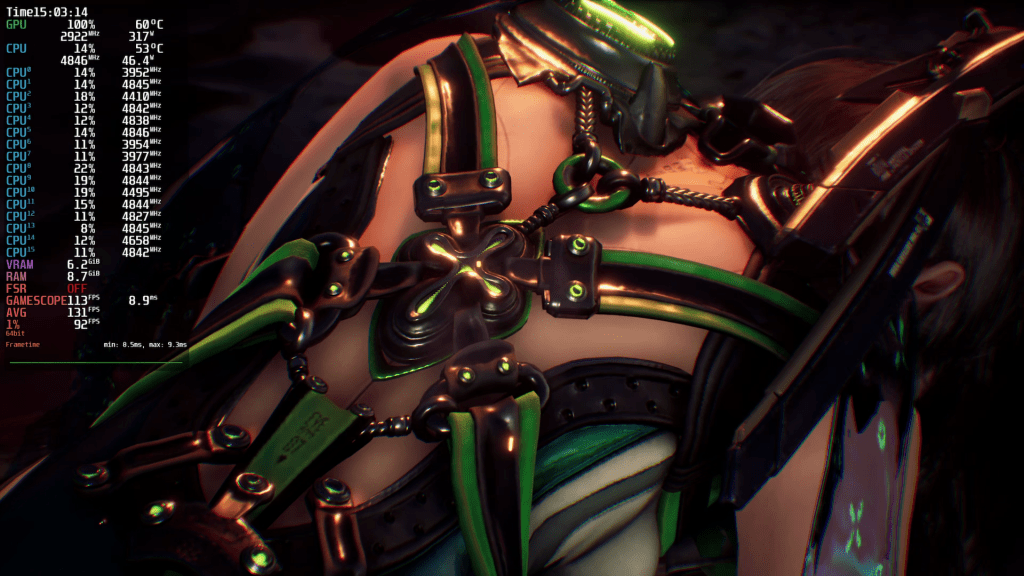
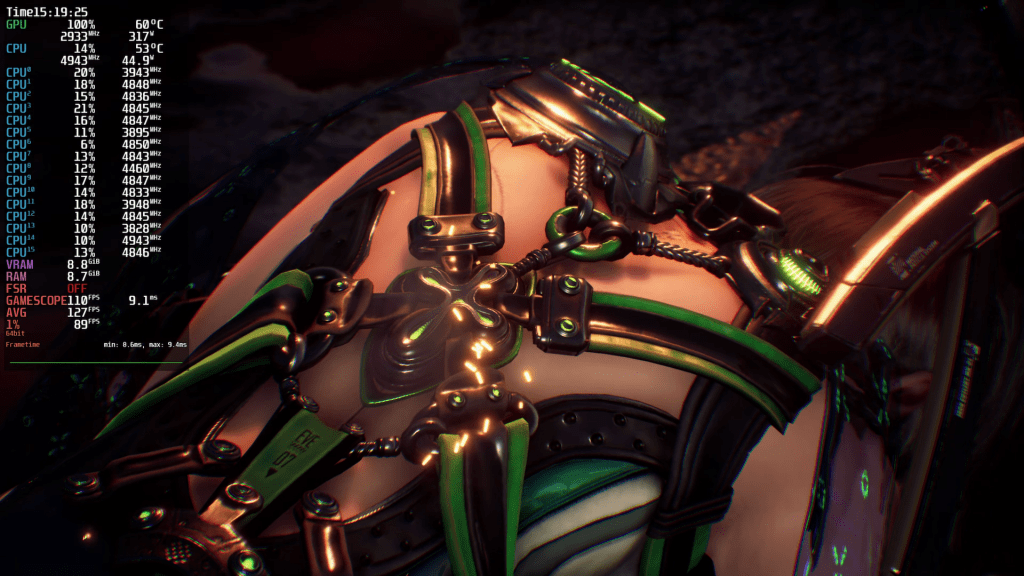
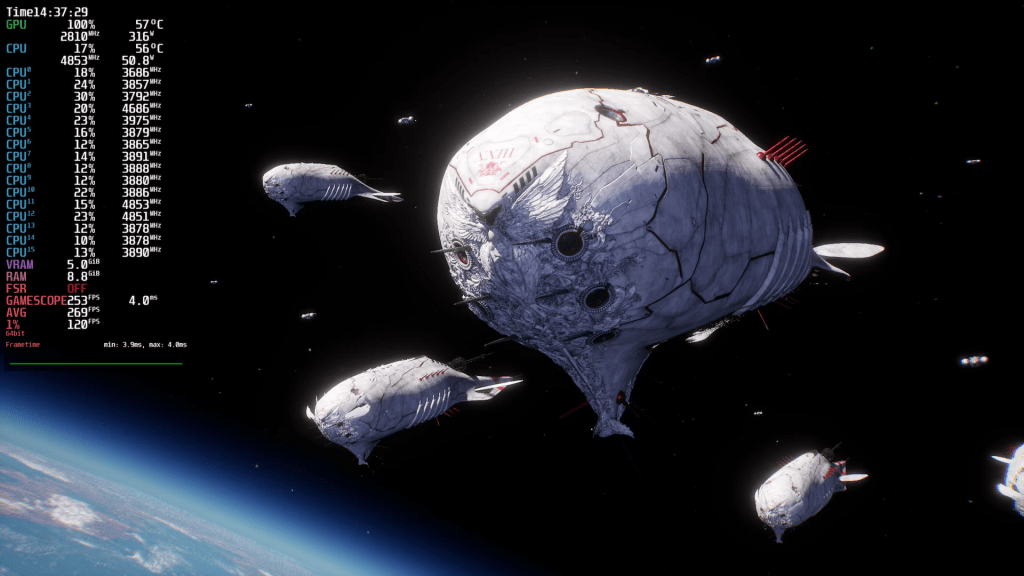
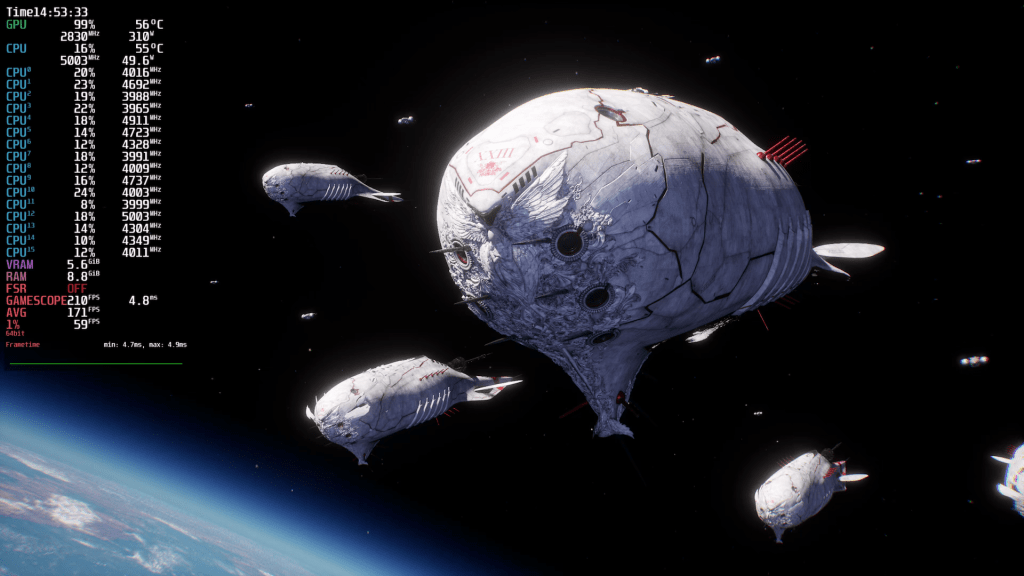
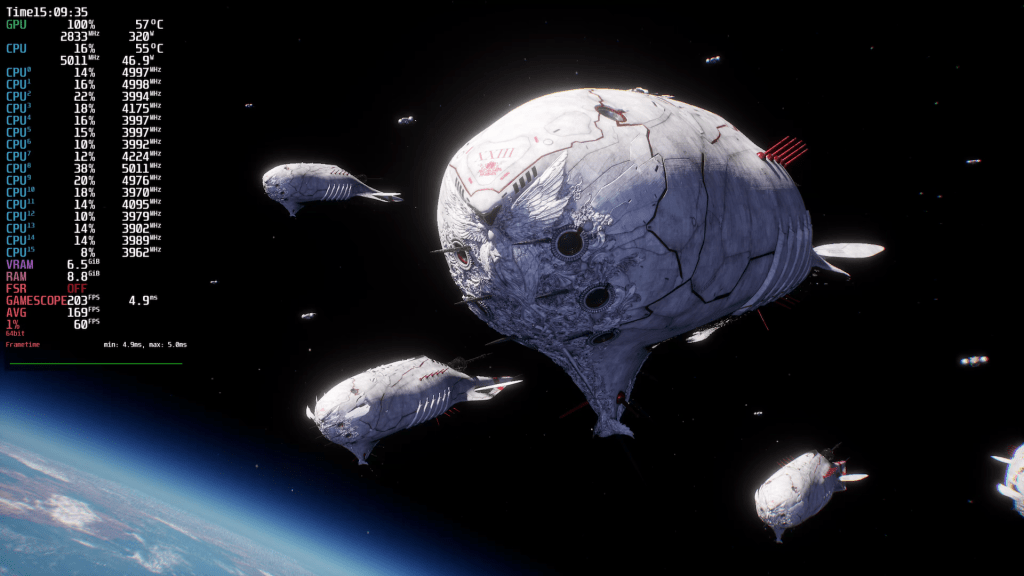
In the second level, which also has foliage and is much denser, you can see a few more changes. Jumping from the lowest preset to Medium boosts geometric detail. Take a closer look at the statue on the right and how its shape appears more well-rounded. The amount of vegetation also changes from Low to High. Jumping from High to Very High further improves shadow detail, and texture quality also increases.
As far as the demo goes, those were all the apparent differences I was able to spot.
Famous Last Words
Stellar Blade seems to be a well-rounded package. It’s easy on the eyes and delivers the goods. The adventure glides with a glistening, oil-smooth finish, as fluid as the breathtakingly contoured curves of a mountain landscape. Nothing comes between you and total satisfaction, not even the Unreal traversal boner. If something points at the orbit, it’s a lap-rocket. Windows 11 has a bigger one, but it’s about how it feels, and Bazzite does perform.
Obviously, I’m talking about FPS bar graphs and frame time spikes.
One cool feature in the demo is a so-called „Boss Challenge“, which lets you test your mettle against one of the later bosses. In terms of performance, it’s the same behavior we have already seen. The game runs perfectly smooth and you won’t feel the slightly lower FPS compared to Windows. I had no crashes or visual glitches, and loading times seemed reasonable.
Again, I cannot vouch for the rest of the game. The demo’s too short for that.
If you’re in the mood for more Eve but think your joy-stick isn’t steadfast enough for her, fret not. Stellar Blade has a Story Mode. If you struggle with difficult combat, you can lower the difficulty. Stellar Blade is still challenging, but even whimps like me can play the game this way. I think this was a great decision on the developer’s part.
Thank you for reading. I hope you have a wonderful day, wherever you are.


[…] know it’s been a while since my last performance analysis post about Stellar Blade. And spoiler: Stellar Blade was a lot more positive than this one will be. I was procrastinating so […]
LikeLike