We already know that Baldur’s Gate 3 runs on Linux, so we don’t have to consider the compatibility aspect. After all, the game’s rated Gold on ProtonDB and is also Deck Verified. We also know that Larian created a pretty well-running game, so performance on an X3D CPU + RX 9070 XT system is probably more than fine. Then… why do an analysis? Because I can, and want to, and because we’ll look at Bazzite, CachyOS, and our most beloved… wait, that can’t be right. “Windows 11” and “beloved” in the same sentence is an oxymoron. How about abomination? Horror show? Slop machine? Infernal Engine!
But let’s not get derailed. First of all, welcome to another look at Linux gaming performance. Today we’ll take a gander through the city of Baldur’s Gate.
I’ll do my usual spiel of looking at the main menu first before examining the performance in isolation. Then I’ll show you a comparison of a few operating system variants and round things out with screenshots of the in-game graphics presets.
Are you willing to hazard a guess which OS performs best?
Hardware & Software
Before performing my tests, I updated all systems to their latest versions. For Bazzite, this means Kernel 6.17.7 and Mesa 26.0.4. CachyOS used Kernel 7.0.11 and Mesa 26.1.2. Last and least, Windows 11 was still on version 25H2, and AMD’s GPU driver was version 26.6.1.
I ran all tests on a Ryzen 7800X3D paired with 32 GB of 6000 Mt/s memory and an RX 9070 XT graphics card. The resolution is native 1440p.
What’s most interesting about this test is the fact that Baldur’s Gate 3 runs natively on Linux. According to my research, Larian initially only published this version solely for the Steam Deck. But I looked at the binaries and found no bg3.exe or other Baldur’s Gate 3-related Windows DLLs in the installation folder.
I also checked the binary with the Linux readelf utility, and as you can see, it’s a native Linux binary. As a sanity check, I also tested a known Windows EXE, which is Far Cry 4 in this case, expecting an error message or some complaint about an unsupported format.
What does this mean for this analysis? Well, it’s native Linux versus native Windows 11. No Proton translation whatsoever.
Game Launch & Main Menu
If you’re running Bazzite in Steam Gaming Mode, you should add “SteamDeck=0” to the launch arguments. Otherwise, BG3 will limit some options, and I think it didn’t even react to mouse inputs in that mode. Another oddity of the Steam fullscreen experience is the always-on VSync, regardless of the game’s settings. Therefore, I tested Bazzite on the desktop instead.
Launching BG3 on CachyOS for the first time looked as if it hung itself in the process. It sat on a black screen for an awkward 40 seconds, with no feedback. Subsequent boot sequences performed quicker. Bazzite didn’t have this issue, but it might also be related to building a shader cache. Bazzite and CachyOS share the same game drive in my system. I suspect CachyOS built the shaders and stored them in the WinePrefix on the same drive. As a result, Bazzite didn’t have to do that and launched into the game faster. But that’s just a guess.
What’s not a guess and a very nice feature are the preview images for almost all graphical options. The global presets don’t get that treatment for some reason, but hey, it’s the old 80%-20% split. Let’s cherish what we have.
We should also cherish the upscaling options, although they are quite outdated – at least for AMD users. FSR 1 and FSR 2.2 is all you get. If you need more performance, OptiScaler is the way to go. However, that could prove difficult due to BG3’s native Linux version. OptiScaler is a Windows utility that requires Proton emulation to function. So, if you want or need FSR3 or 4 upscaling, you’ll have to force Proton emulation via Steam. That should download the Windows build of the game. The same is true for native mods, by the way.
Accessibility options are OK. Most tweak the different text sizes. Larian lets you set font sizes for books, dialogue, and in-game overhead text independently. That’s a great feature. Unfortunately, I couldn’t find a way to set audio and text language individually. Not many games allow this, sadly.
In terms of controls, you can freely customize the keyboard. What I missed was a menu for controller mappings. Maybe it’s hidden somewhere, and I simply failed a perception check. Not sure.
Although a controller is supported, I couldn’t find a menu option for it. Should’ve probably brought a shovel.
In summary, the menu is functional and has all the necessary features, nothing more, nothing less. It’s like a camp with a few tents, bedrolls, and a cozy fire.
Now, let’s finally get to performance.
Performance
Because Baldur’s Gate 3 runs exceptionally well, we can get through this section pretty quickly. I’ll only show you the Ultra preset, with no upscaling enabled. On this class of hardware, you’ll get an incredibly smooth gaming experience, or the option to limit FPS and save some energy.
Ultra Preset
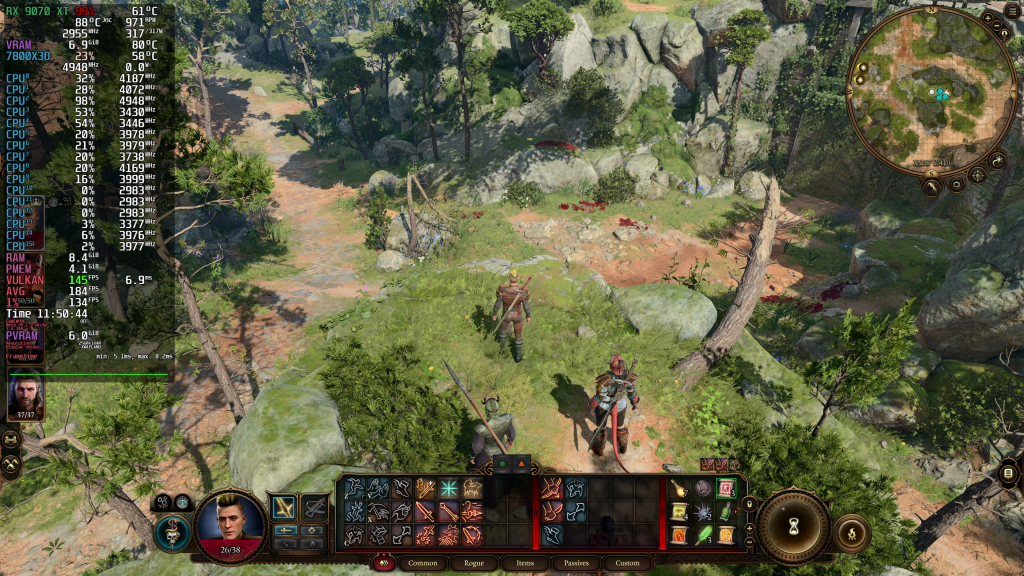
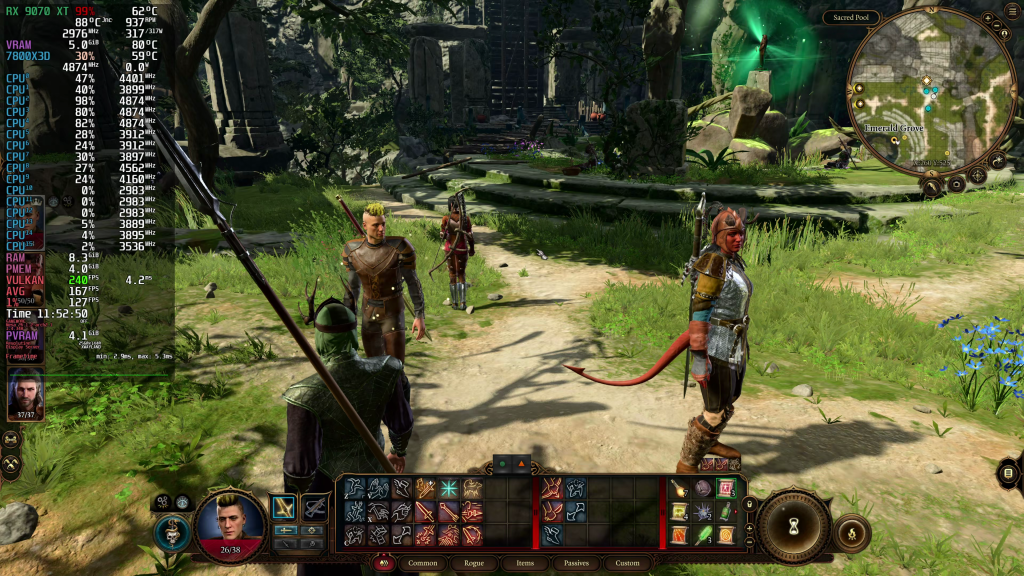
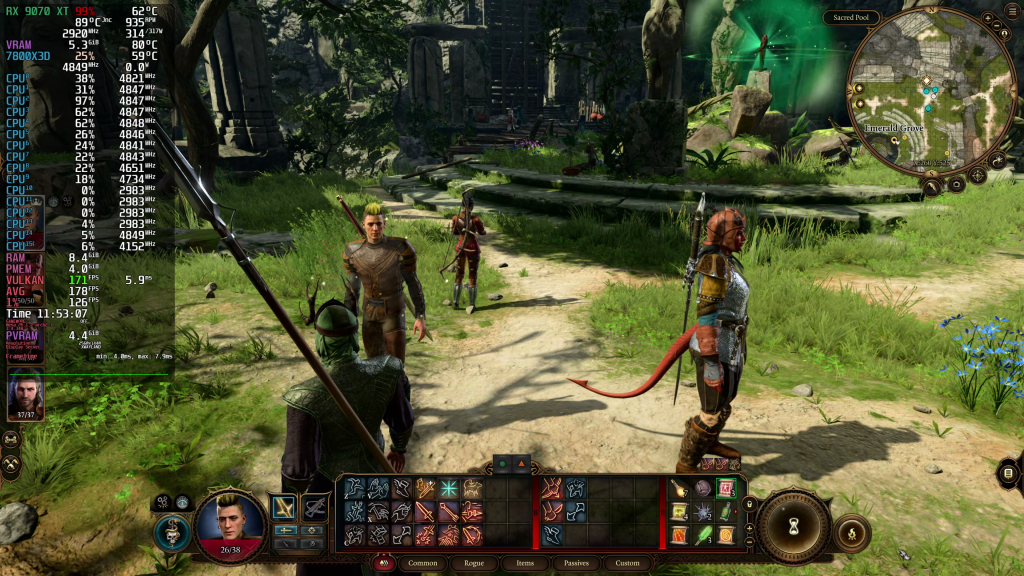
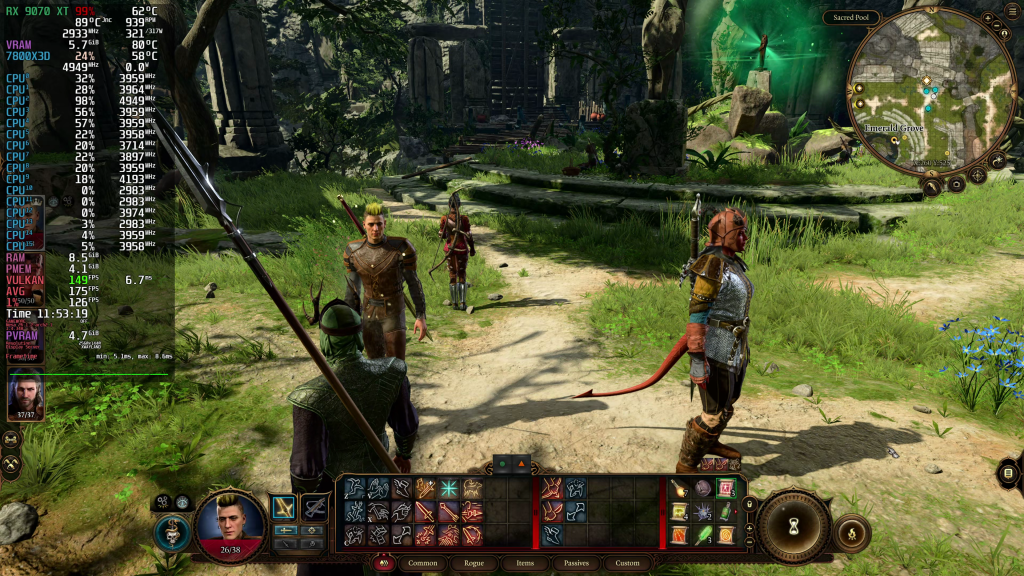
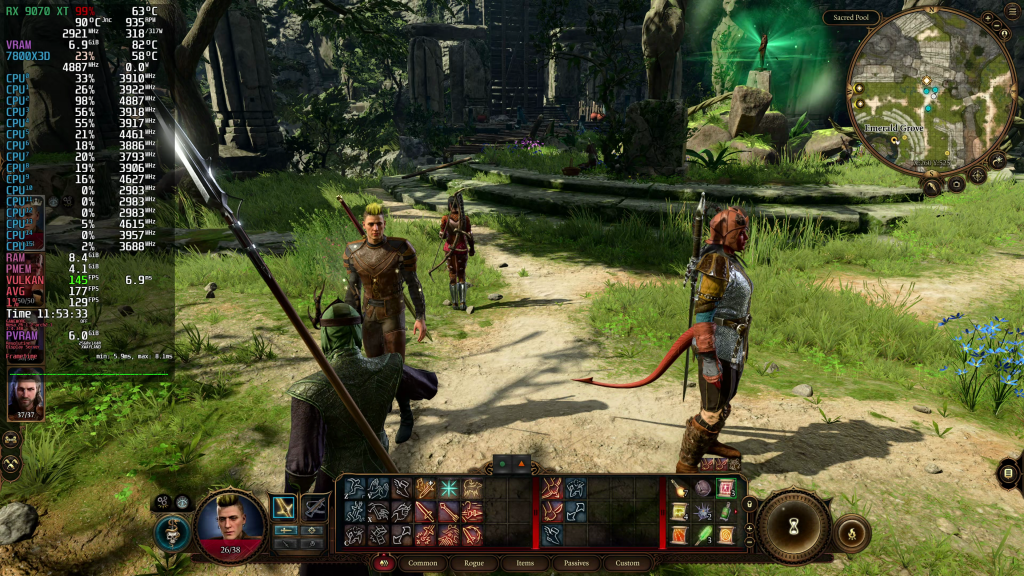
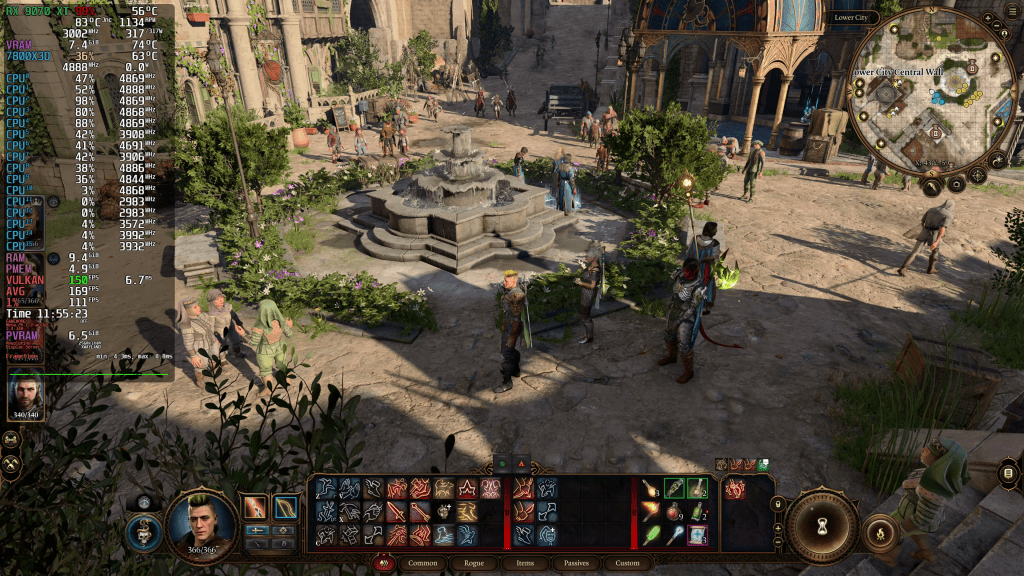
Baldur’s Gate 3 easily runs in excess of 150 FPS. That’s way more than you need for a game like this. Close-ups in cutscenes with heavy depth-of-field effects are the most demanding sequences Larian’s engine can throw at your hardware. Moments like this can bring performance down into the 120s or sometimes lower. But even so, it’s still a lot of FPS.
If you impose an 80 FPS frame limit, you’ll probably run at that number 99% of the time and have an insanely smooth gaming experience throughout. I think that 80 FPS starts to feel very good in any title, and BG3 doesn’t require more than that. It can give it to you if you want, though. All you need is to pass a level 5 Strength check.
Comparison
Now begins the fun part. Let’s compare the two Linux variants, Bazzite and CachyOS, to each other and against Windows 11. I usually only pick one Linux distro and let that go head-to-head with Microslop’s user-annoyance amplifier. Today, we’re also letting the Penguins fight it out among each other.
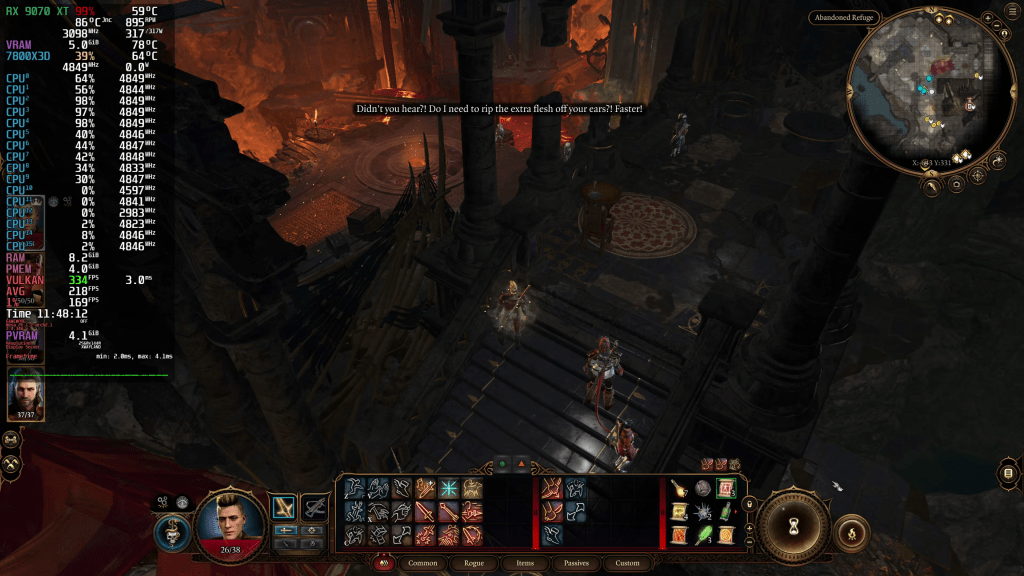
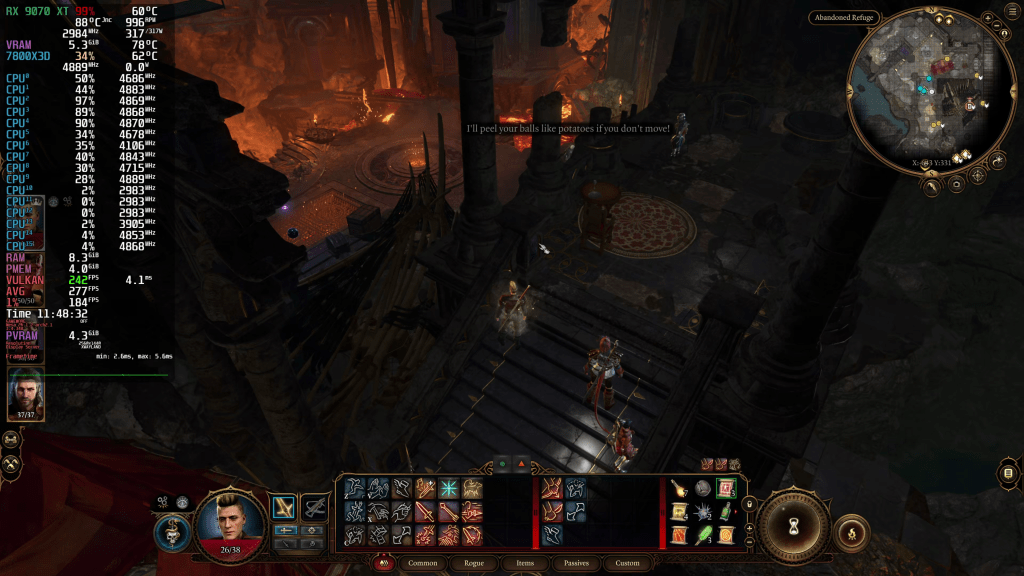
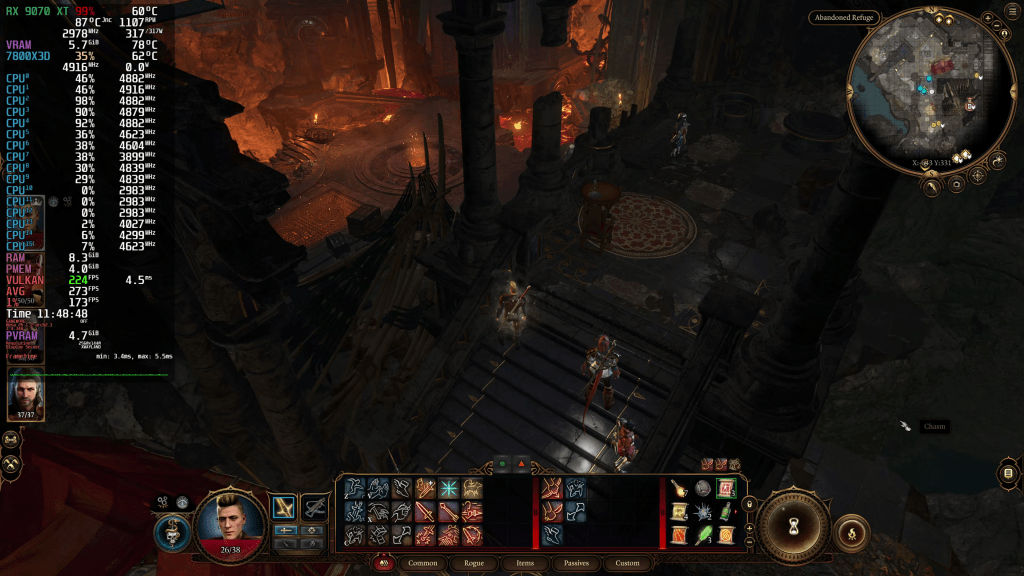
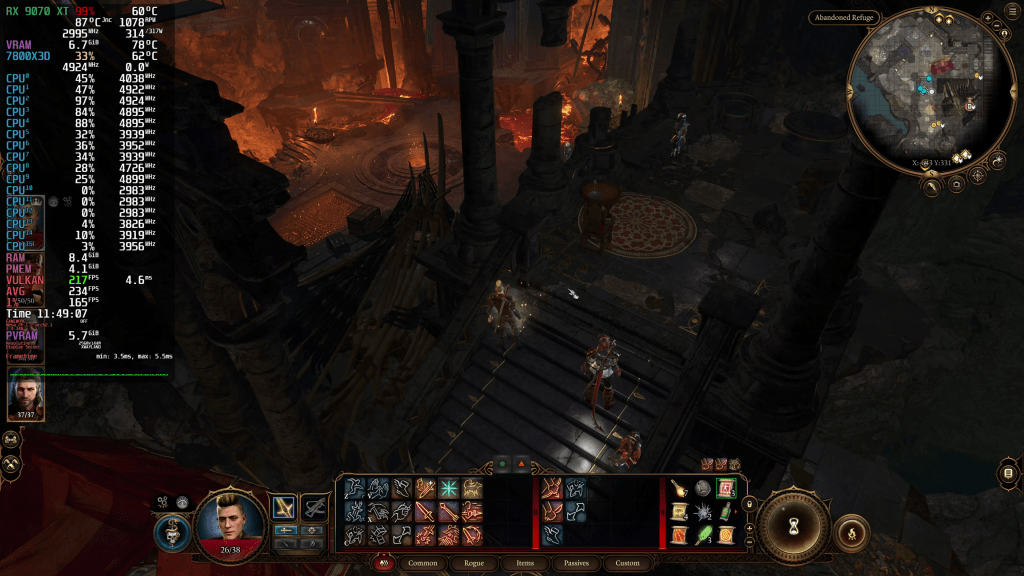
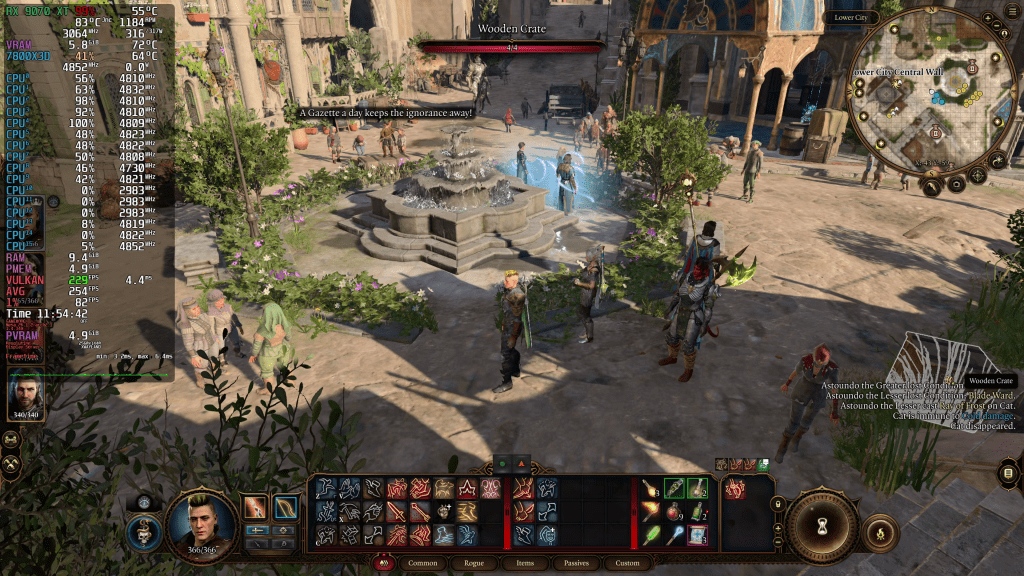
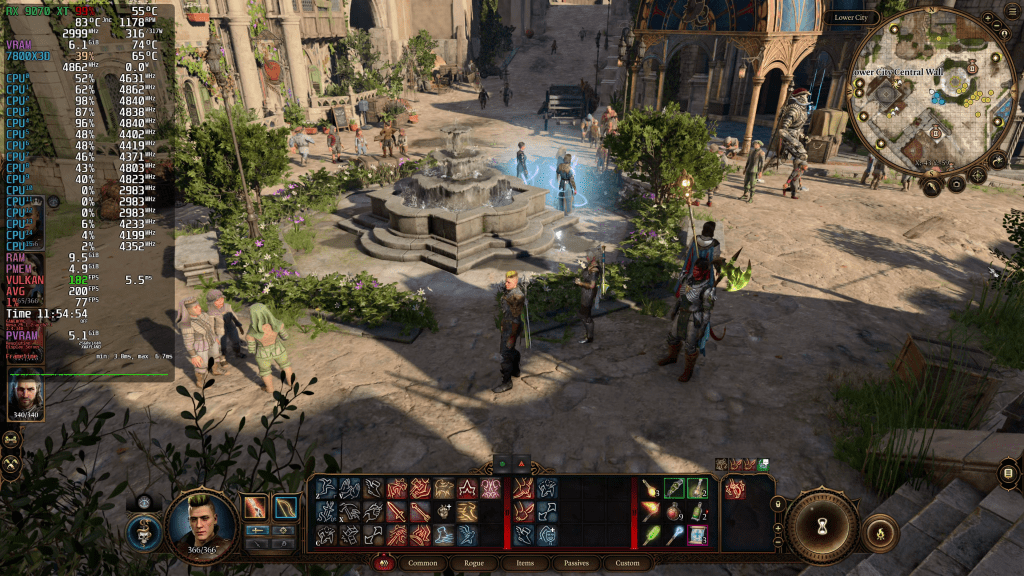
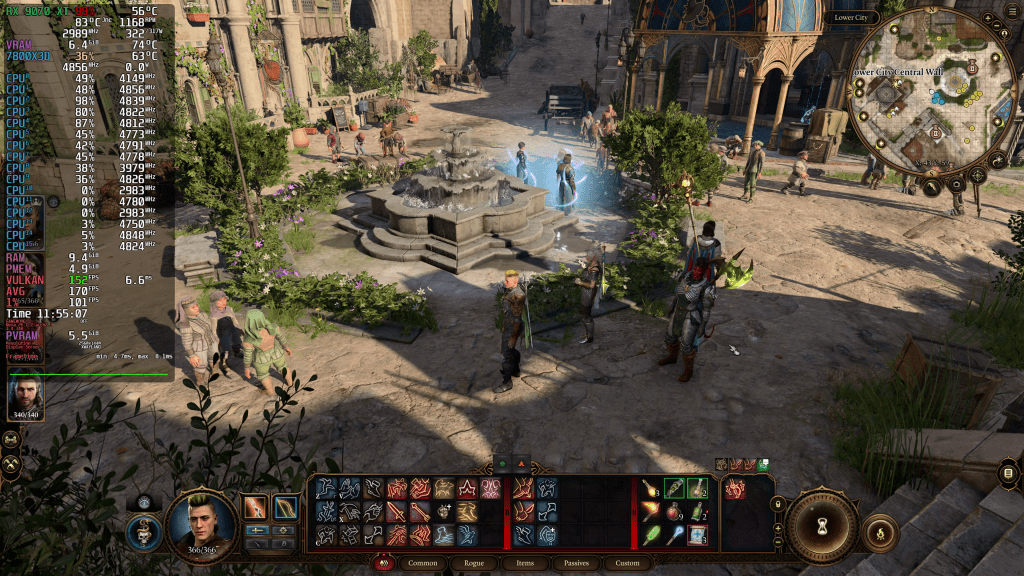
I’m doing this comparison in the same way as I did for Stellar Blade. My test takes us on a lap through the city of Baldur’s Gate, the most CPU-intensive part of the game. I paused my footage at 12 locations that matched each other as closely as possible in this free-form test. Then I wrote down the FPS shown on screen and calculated the difference as a percentage, with Windows serving as the baseline at 100%. At the end, we’ll also look at the averages of this little test.
Please note that this isn’t really a representative and accurate benchmark. It’s just a snapshot that gives us a trend. You can see the actual live FPS numbers on screen and get a feel for yourself.
After putting it all together, the trend is clear. Bazzite and Cachy are functionally equal at 167 FPS on average for Bazzite versus 173 FPS for CachyOS. Compared to Windows, both Linux distros utilize the Hasten skill and flee enshittification, leading Windows by 12-16%.
| Location | Bazzite (FPS) | CachyOS (FPS) | Windows (FPS) | Relative Performance |
| Start of Sequence | 177 | 169 | 177 | 100% – 95% – 100% |
| Look down first narrow stairs | 168 | 192 | 145 | 115% – 132% – 100% |
| Look up stairs past metal guard | 148 | 165 | 130 | 113% – 126% – 100% |
| Top of the same stairs | 190 | 186 | 139 | 113% – 133% – 100% |
| Very top of more stairs | 190 | 183 | 155 | 122% – 118% – 100% |
| Front of press office | 161 | 167 | 128 | 125% – 130% – 100% |
| Alley next to press office | 160 | 159 | 128 | 125% – 124% – 100% |
| Corner past press office | 168 | 155 | 171 | 98% – 90% – 100% |
| Alley bottom of press office | 157 | 181 | 155 | 101% – 166% – 100% |
| Into small alley before fountain | 148 | 178 | 126 | 117% – 141% – 100% |
| Alley down Helsik Shop | 185 | 181 | 169 | 109% – 107% – 100% |
| Slope down to Start | 159 | 161 | 158 | 100% – 101% – 100% |
| Summary | 167 | 173 | 149 | 112% – 116% – 100% |
Visual Glitches
In my tests on CachyOS, I found a visual glitch that was only visible on the monitor. It doesn’t appear in the footage, so I recorded my screen on my phone. It didn’t matter whether V-Sync was active or disabled. Since I primarily played on Windows for the few mods I had installed, I don’t have much experience with either Linux distro in BG3. However, it immediately caught my eye on CachyOS, and I couldn’t see it on Bazzite.
Once I started moving around in the world, constantly changing the camera angle, clicking things, and genuinely playing for the purpose of recording, the effect seemed to have disappeared or just wasn’t as noticeable anymore.
Make of that what you will.
Screenshots
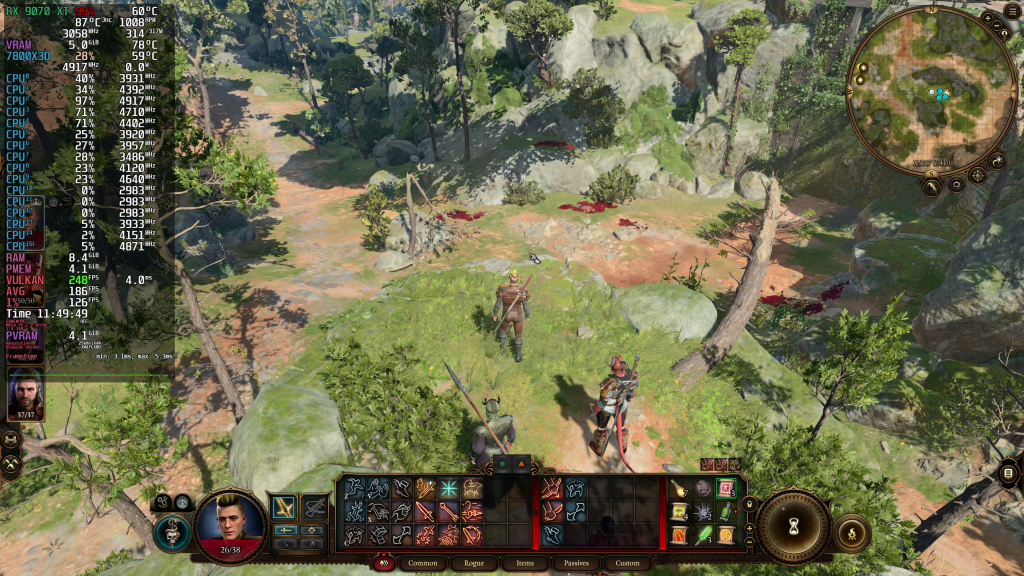
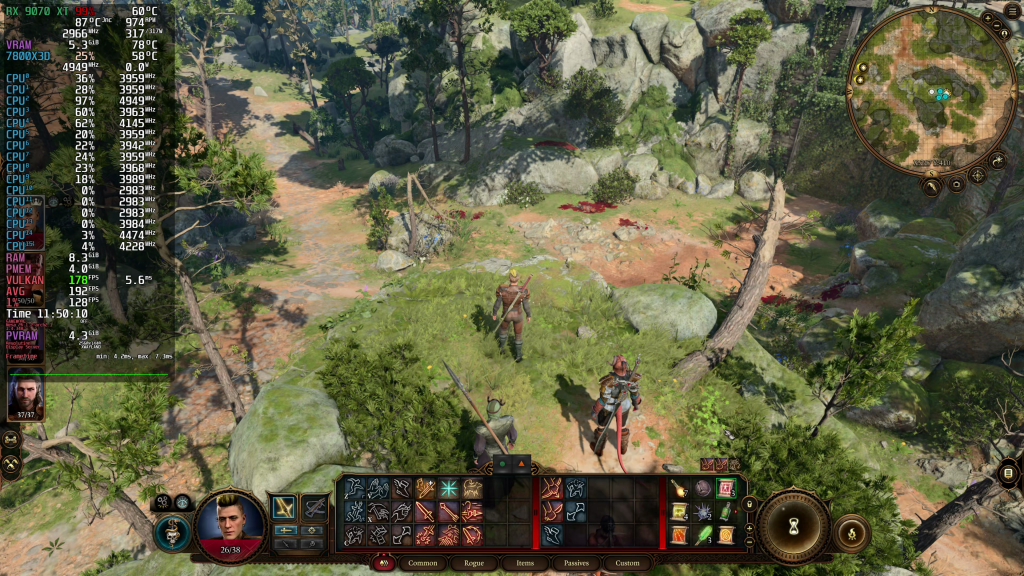
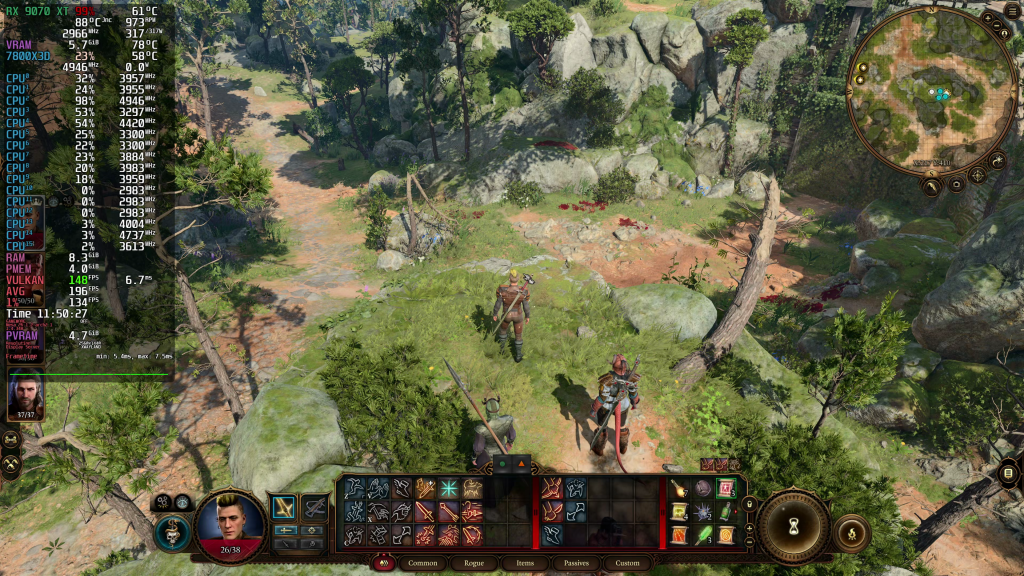
If your hardware can handle it, the Medium preset should be your starting point. It looks so much more pleasing than Low, with more shadows and ambient occlusion in most outdoor scenes. Stepping up to High doesn’t drastically improve the image, and taking the last step to Ultra essentially gives you nothing. But it also costs nothing, essentially.
Famous Last Words
If I’m honest, I expected a different outcome. I had not considered Baldur’s Gate 3 being a native Linux application. And it seems that getting rid of Proton not only solved the performance penalty of running and translating Windows games on Linux, but also pushed both Linux distros I tested ahead of Windows by roughly the margin that Windows 11 usually leads Linux.
That now really makes me curious how, let’s say, Unreal Engine 5 games would perform if they were native. Given how widespread the use of Epic’s graphics monster is, so many games could potentially benefit from a native Linux port. Of course, that’s assuming game developers don’t add custom Windows-specific code and that porting is as simple as exporting for a different platform in Unreal.
But that’s just wishful thinking by a tech enthusiast high on a potion of Charm Person. Realistically, the UE5 titles I tested run well enough that I mostly don’t care much about the roughly 10% performance penalty I would have to deal with on Linux.
But that’s all that I have for you today. I hope you enjoyed this analysis.
Thank you for reading, and have a great day, wherever you are.
 The Gameslinger
[…] published a performance analysis not too long ago, showing how Bazzite Linux, CachyOS, and Windows compare in the city of Baldur’s […]
LikeLike