I know it’s been a while since my last performance analysis post about Stellar Blade. And spoiler: Stellar Blade was a lot more positive than this one will be. I was procrastinating so hard on Oblivion Remastered because I’m quite salty about it. I already had the necessary video footage ready for several weeks, but I wanted to write about it as much as I want to continue playing it. I like it just as much as I like Apex Idiocy – by which I mean AI. I deeply regret the 40 or 50 European bucks I paid, and I’ll get into why throughout the rest of this post.
But before I let off some steam, let me welcome you to another Linux gaming performance analysis. So… err… welcome!
We’ll look at some random gameplay across a couple of quality settings, compare an Open World section on horseback between Windows and Linux, and examine some image quality issues. At the end, I’ll explain what I think about this remaster as a whole after my initial positive impressions at launch.
But first, let’s see how competently developer Virtuos put shiny Unreal horse armor around the aging, decrepit Oblivion gameplay logic.
I’m pretty sure you already know the verdict, but I actually found a little curiosity that I didn’t expect.
Hardware & Software
I tested on my personal rig with a Ryzen 7800X3D, 32 GB RAM, and an RX 9070 XT GPU.
CachyOS used Kernel 7.0.5 and Mesa 26.1.0. I selected Proton-CachyOS 11.0 v3 to use the PROTON_FSR4_UPGRADE option for the tests with FSR upscaling. For the best comparison with Windows, I used Unreal’s TSR. But I also tested a few scenarios with FSR4, as that’s what a gamer would and probably should do.
Windows 11 was on version 25H2 with all updates as of early May 2026. AMD’s Adrenalin driver was on version 26.3.1.
Now, let’s jump to the game’s launch experience and main menu.
Game Launch & Main Menu
Booting into Oblivion Remastered gives you the typical Unreal Engine 5 experience. It works very well on Linux. The game provides the typical four graphics presets: Low, Medium, High, and Ultra. But there’s also a little nugget for tech-enthusiasts. Virtuos added a hardware ray tracing option, which we’ll also look at in this analysis. Enabling RT produces many ambient shadows that would otherwise be missing.
When it comes to upscaling, you’ll find all vendor-specific options in addition to Unreal’s built-in TSR. AMD’s FSR is on version 3, which can be upgraded to FSR4 via the driver. I’m not sure about DLSS, though, but given how well the developers supported the game, it’s most likely not the latest version.
Speaking of upscaling: Every graphics preset also adjusts the internal render resolution. Low uses 50% of the native resolution, Medium uses 71%, High uses 87%, and Ultra runs at the native resolution.
When you’re in-game adjusting settings, live gameplay is visible in the background. Sadly, though, a blur effect makes it hard to easily compare visual changes. Preview images could alleviate that, but why would you provide sensible features? It’s not like the competition is doing any better, right?
(Show Ubisoft games)
In contrast, the best feature of Oblivion Remastered is its controller remapping support. So, Virtuos did add some quality-of-life features for players. Many developers don’t bother with this, and yet Virtuos, who left behind a poorly tuned Unreal 5 “remaster”, added controller remapping support. As much as I dislike this game, credit where credit’s due.
Now, while I think the devs bungled up the technical aspect of this game, the customization options are solid. Nothing groundbreaking, but not bad either. For example, you can change the FOV separately for first- and third-person. Some games don’t let you do either.
But let’s move on and see how it runs.
Performance
In the first few sections, I’m still quite neutral in my attitude. We’ll look at a few presets across different scenarios to see how well the game runs when it isn’t constrained by Unreal’s most glaring flaw – the traversal stutter in large areas.
Medium
Starting with Medium quality, the combination of a powerful X3D CPU and the 9070 XT easily clears 100 FPS in the open world. Performance fluctuates between 100 and around 130 FPS, depending on where you look. It is a nice, comfortable, high-refresh-rate experience. Exploring smaller-scale, narrow dungeons or caves will shoot past 200 FPS.
Even running through the city of Skingrad is very smooth, at over 120 frames per second. Granted, it’s not the most NPC-dense location. But I haven’t found very CPU-intensive areas yet.
When I look at the Medium preset in isolation, it’s not a bad looker. The lack of ambient occlusion in many areas, especially outdoors, gives the game a somewhat stylized look. On the one hand, it’s clearly Unreal 5. On the other, it’s an attempt at a somewhat unique identity.
Granted, I’m grasping at straws here.
High
Changing the preset to High brings the performance closer to 100 FPS and even below it. But judging by the scenes I captured, I actually expected a larger drop in performance. The city of Bravil isn’t much bigger than Skingrad, but it looks more complex geometrically and is more open. Yet still, the frame rate remains very close to 100. You’ll see some drops into the 90s, and you’ll see it rise above 100 FPS occasionally.
TLDR: it still produces a high frame rate.
Now, what I didn’t look at was the Ultra preset, because I’m a bit random. But there is a reason to my arbitrary behavior. Ultra, or Epic settings, as they are often called in UE5 titles, usually just eat performance for minor visual gains, and I’m of the opinion that one step below the highest preset is usually the sweet spot in most titles. At least if you didn’t shove thousands of bucks down Jensen’s billionaire throat. If I want to trade in performance for visuals, I’ll do it properly. So let’s look at ray tracing combined with FSR4 upscaling.
High + RT + FSR4
What we’re looking at right now is the High preset, augmented with Lumen Hardware RT at Medium quality and FSR4 Balanced.
The effect can be subtle, but what I noticed most is that tree trunks and leafage no longer appear flat. That was one of my biggest gripes early on, when I was still running the RX 7900 XT, which simply couldn’t deliver playable performance with ray tracing enabled. The trees just looked flat. That’s fixed now. We’ll look at more screenshots later when we get to the image quality section. Let’s continue with some gameplay.
With the help of upscaling, performance remains good and is very comparable to the High preset without ray tracing. Remember, the High preset uses a scaling factor of 87%. And thanks to the ML-based FSR4, the image quality is still solid, despite the lower internal resolution.
This combination of settings would be my go-to option were I to continue playing this game. I might even increase a few settings to Ultra, like View Distance, Foliage, and Texture Quality.
Traversal Stutter
Now we’re at the part where things fall flat. High frame rates are all nice and well, but it sucks hairy goblin balls if they are constantly interrupted by hitches. You’re supposed to go hiking through the world of Oblivion, not hitching. Although… you could hitch a ride?
Moving on…
I rode my horse, which is amazing, on the High and High+RT preset without any upscaling across the countryside to test how well Virtuos optimized the game for traversing the large Open World. Of course, we all know they didn’t. Digital Foundry already proved this multiple times. But, for science, we need to test if Linux is the magical potion that makes it all go away.
So, let’s swallow a flask of make-believe, open our eyes again and… it still stutters. Apparently, make-believe only works for AI marketing.
This small montage roughly summarizes the 5-minute-long sequence I used for testing.
Comparison With Windows
With this dream shattered like every gamer’s hope for an affordable Steam Machine in 2026, how does Linux compare to Windows 11? Let’s start with the High preset.
Note that it’s tricky to maintain the same test conditions across all runs because of the dynamic time of day and weather effects. I reloaded multiple times to make it as fair as possible.
To my surprise, Linux can hold its own in this heavily GPU-limited test. Both systems deliver very similar performance, with Linux slightly ahead most of the time. Surprisingly, the one very egregious stutter on Windows is a lot less severe on Linux.
Let’s enable ray tracing and see what happens with more eyecandy and a higher CPU load.
The results are more in line with what I already expected from the High preset. Windows can pull ahead by up to 10 FPS. Yes, “up to”. You can’t sue me over this. But it’s not an all-out win for Microslop. Both systems go head-to-head most of the time. It just so happens that Windows can pull away for a moment, only for Linux to catch up shortly after.
If you remember the beginning of the post, I mentioned a curiosity during my testing, and this is it. Linux’s performance profile appears to be more consistent in Oblivion Remastered, while Windows suffers from stronger fluctuations of the frame rate.
It still isn’t good performance, mind you. But maybe, just maybe, the goblin’s balls are less hairy on Linux. Who knows, it might be using Manscaped products.
Image Quality
Noise, Shimmer, SSR, etc.
During my testing, I noticed two major visual issues.
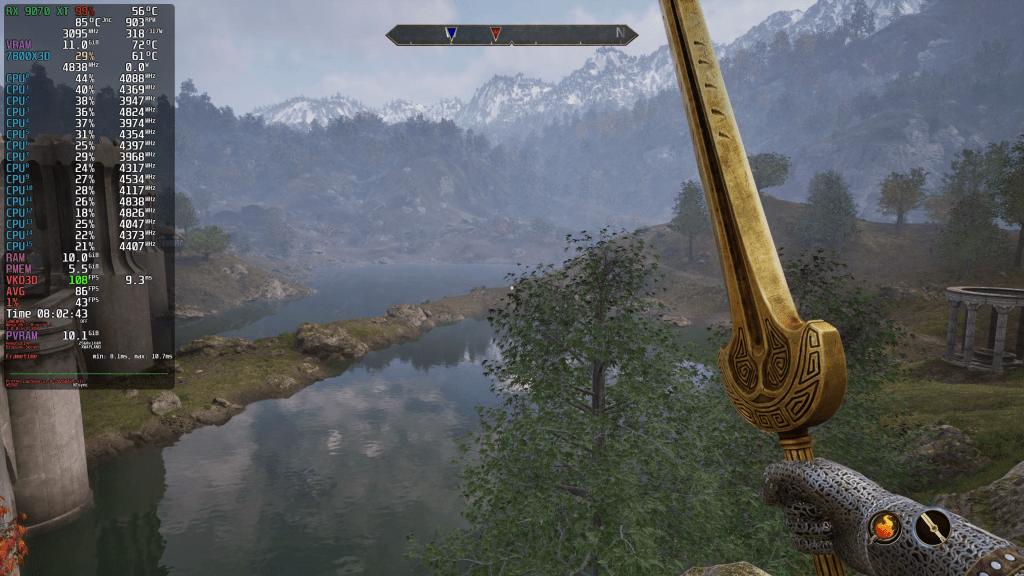
I already complained about Screen Space Reflections in my first video at release and decided I preferred water surfaces without SSR. The way Oblivion Remastered handles screen-space occlusions is horrible and incredibly distracting. I’d rather have less detailed reflections than this horror show. Honestly, the fallback doesn’t look too bad and avoids all the artifacts. There are no more occlusion issues, which worsen if the weapon obscures a much larger body of water that fills the screen. Additionally, the reflection details don’t disappear when you look down. This is kinda worse than boiling surfaces due to denoising issues of ray-traced lighting solutions.
You know what’s even worse than that? A Linus-style segue… to the next topic. Which is said flickering and boiling.
To my shame, I didn’t even notice this one until I recorded footage for this analysis, despite the roundabout 20 hours I spent in the world of Oblivion. So make of that what you will.
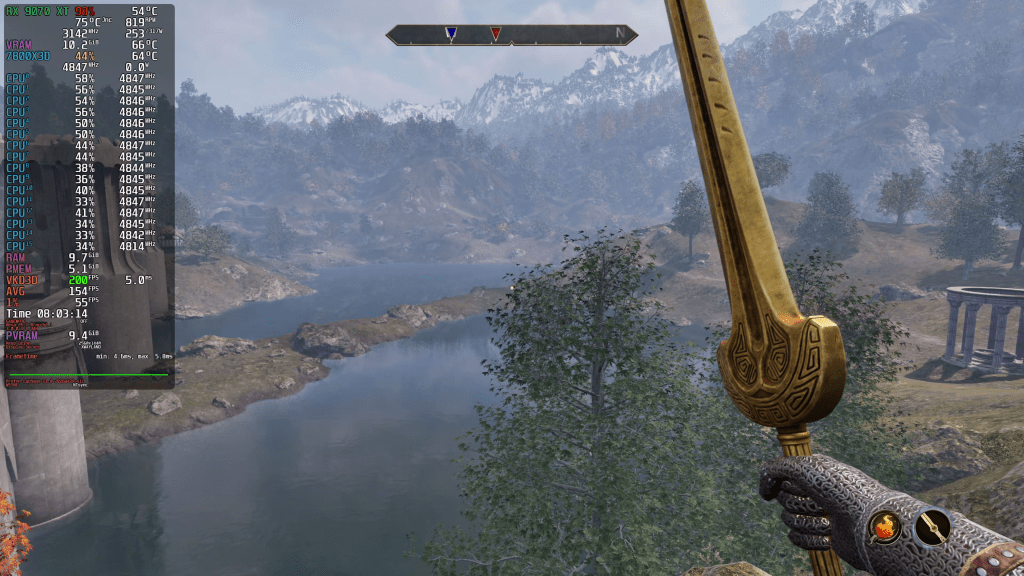
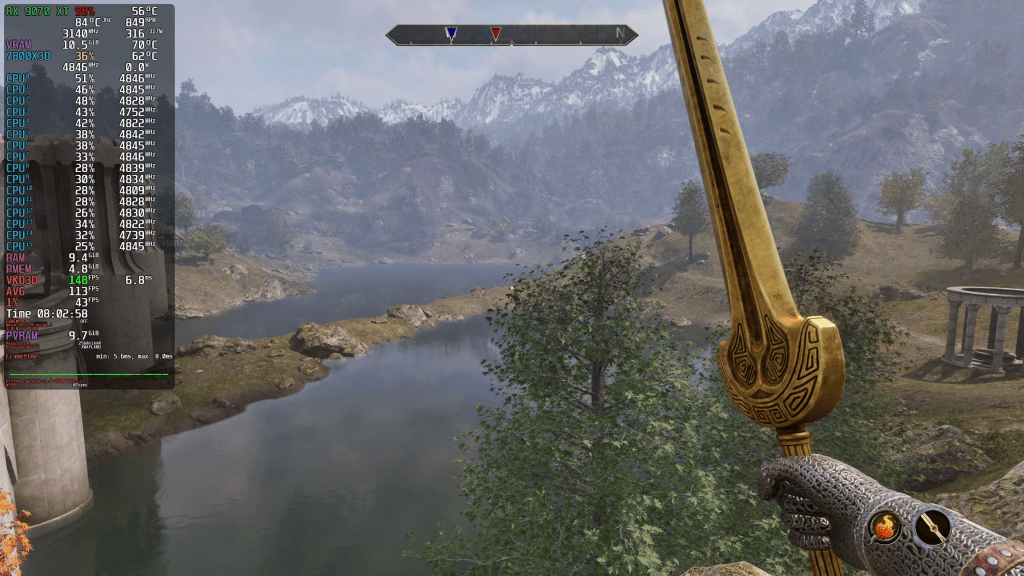
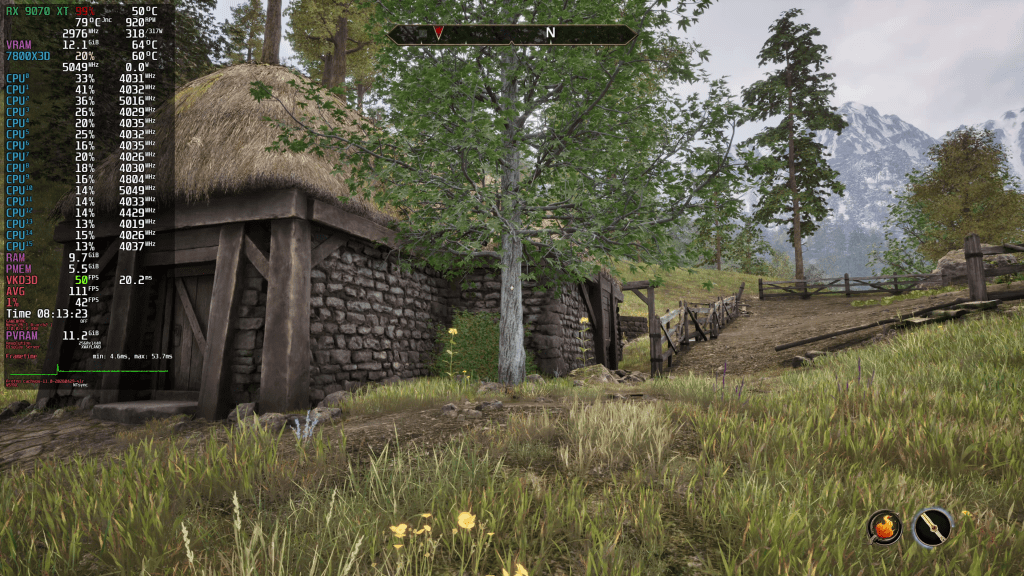
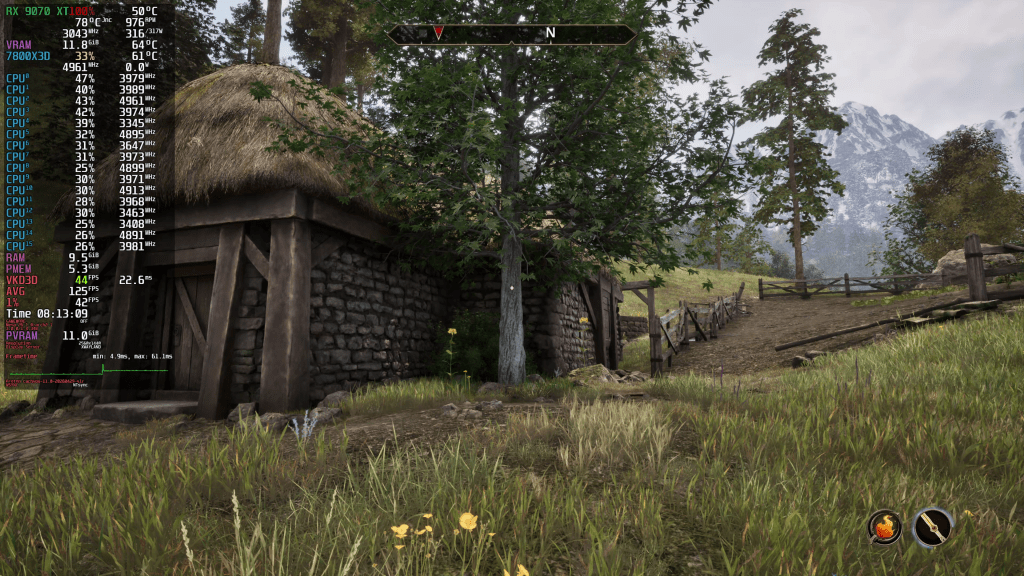
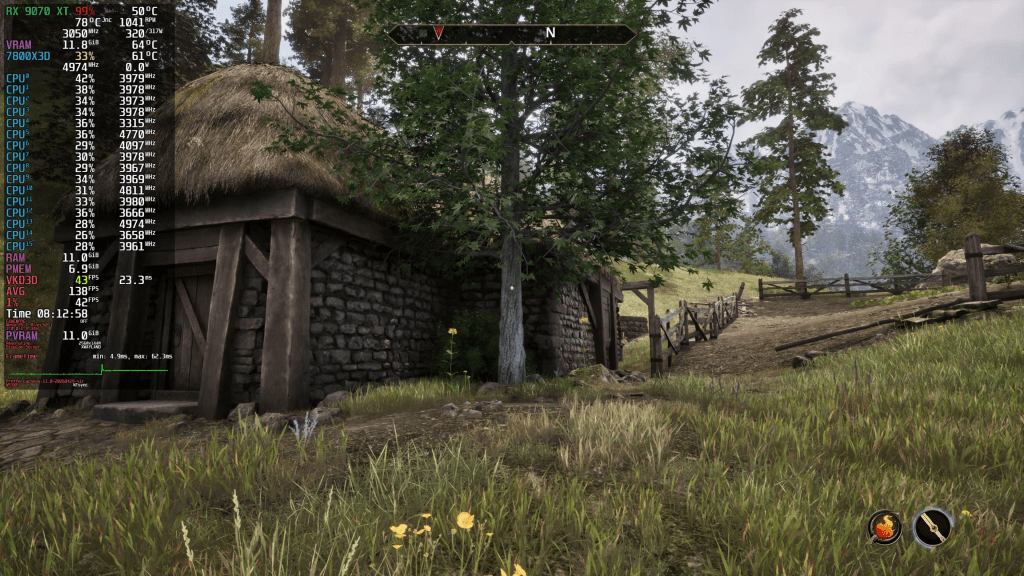
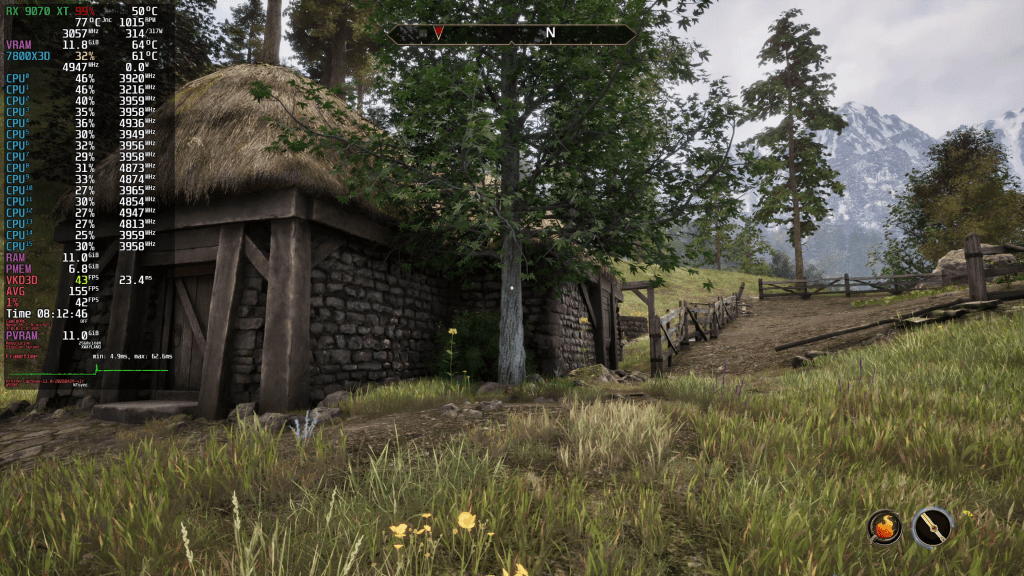
As you can see on screen, treetops show a shimmering or boiling effect that is very reminiscent of the first PSSR version in many PlayStation games. What I’m showing you right now is the High preset with Unreal’s default TSR. It looks the same at the Medium preset, which shouldn’t be surprising given the more aggressive upscaling factor.
But how does an ML-based upscaler handle this situation? So, let’s enable FSR4 on Balanced. I’d say it’s ever so slightly better, but also still bad enough to be easily noticeable. Switching to FSR4 Quality doesn’t change the outcome.
The effect doesn’t appear just in motion. You can also see it in stationary scenes, like the trees to the left of the house. House rooftops can also exhibit this effect.
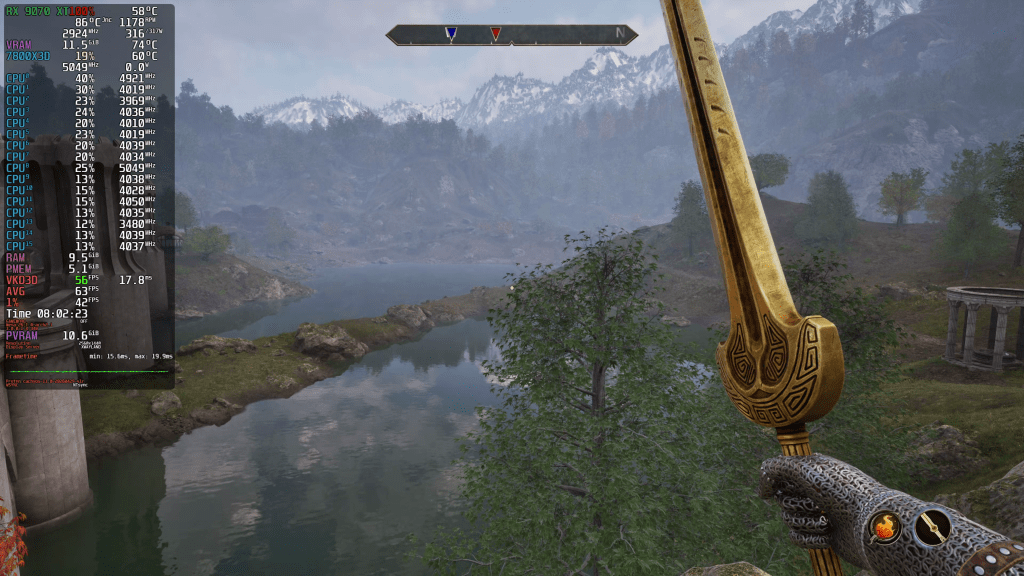
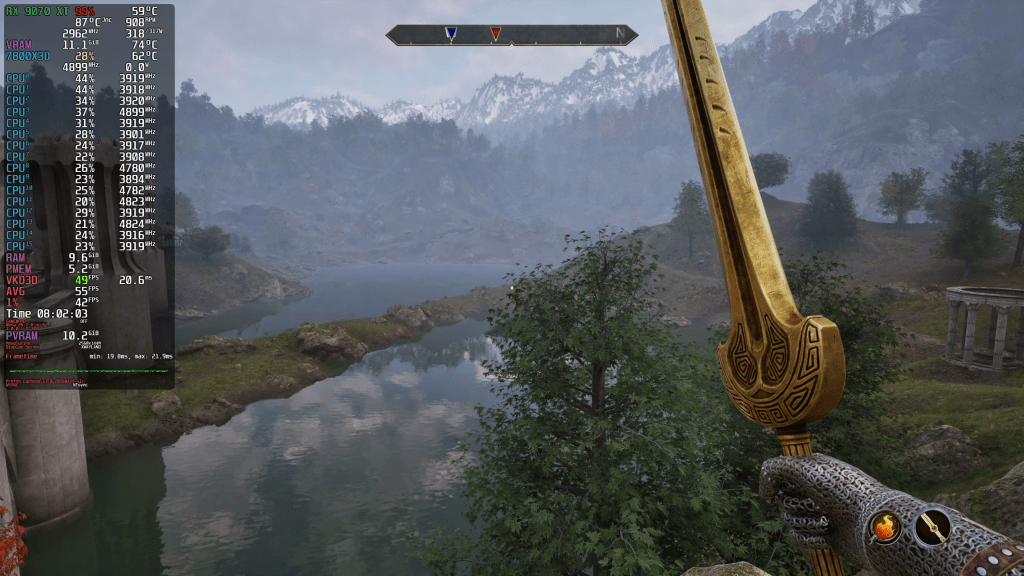
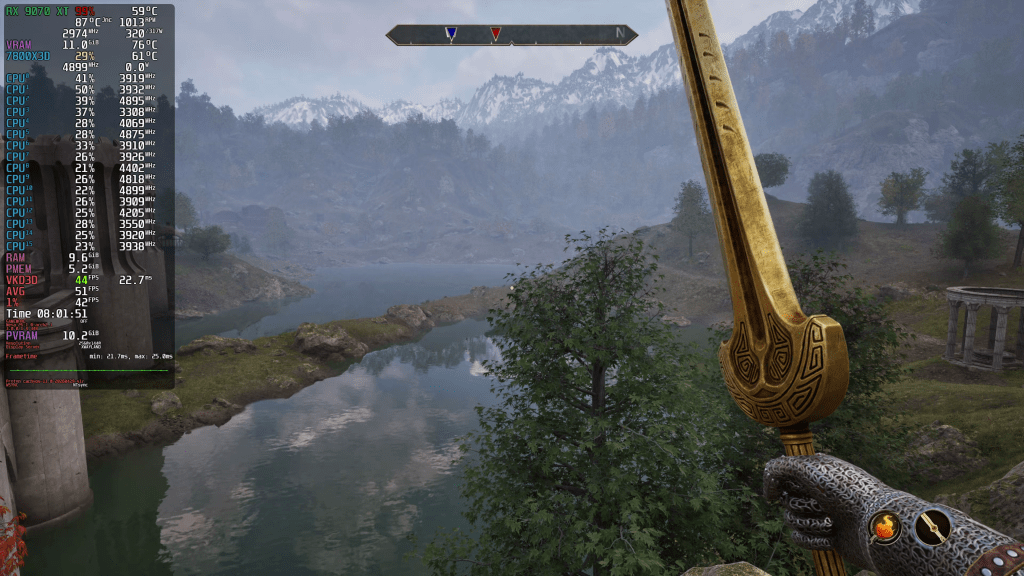
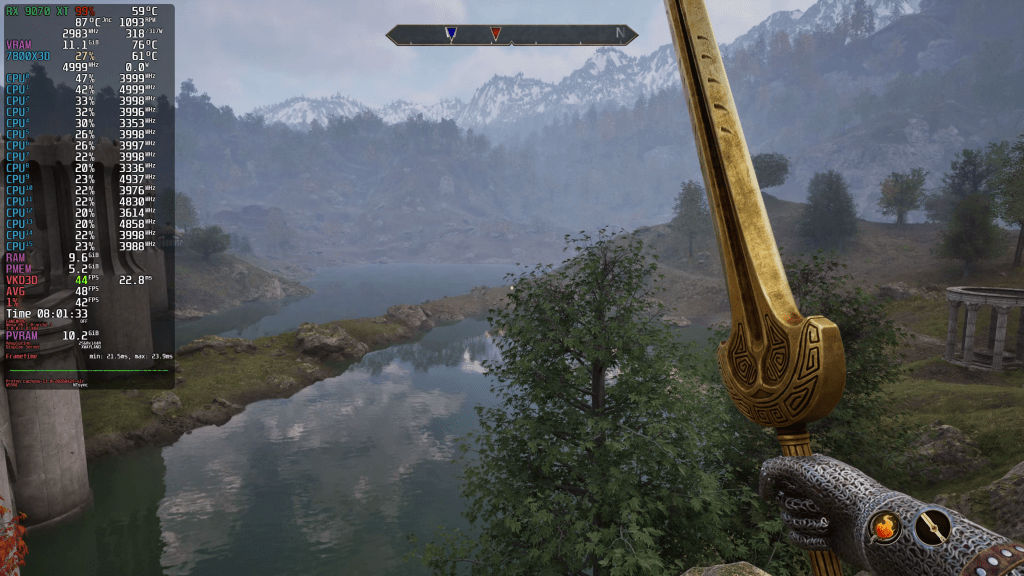
Screenshots
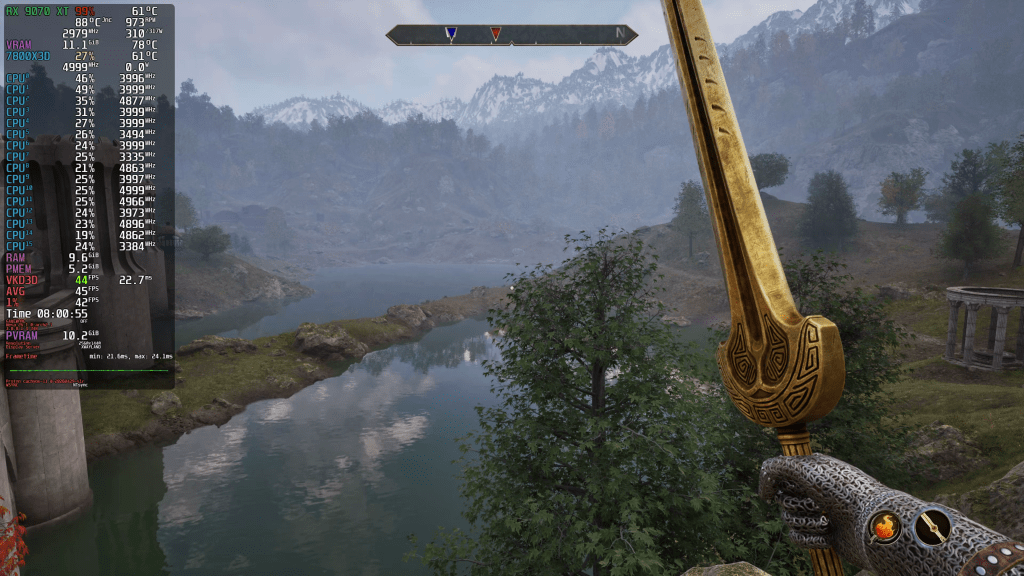
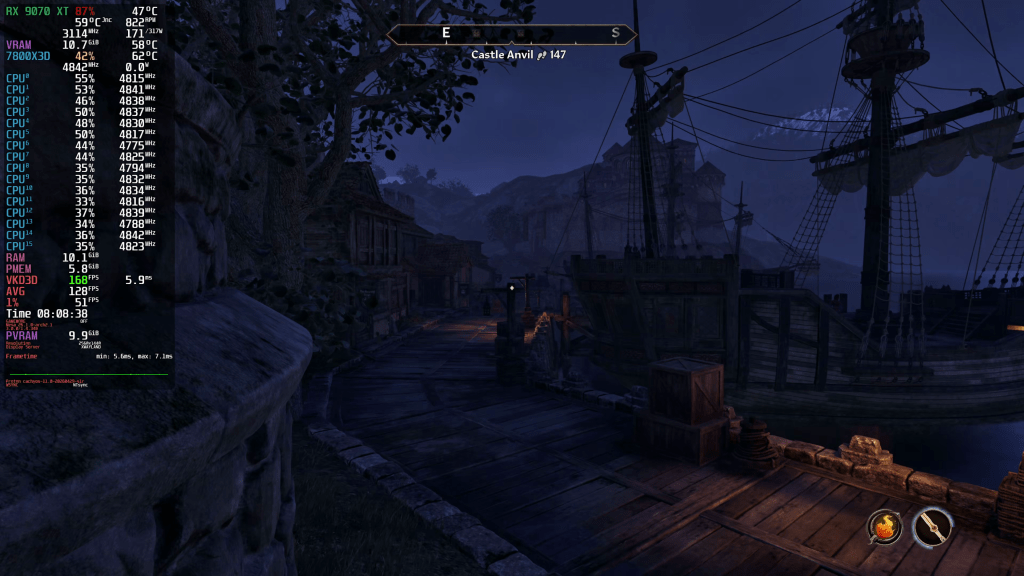
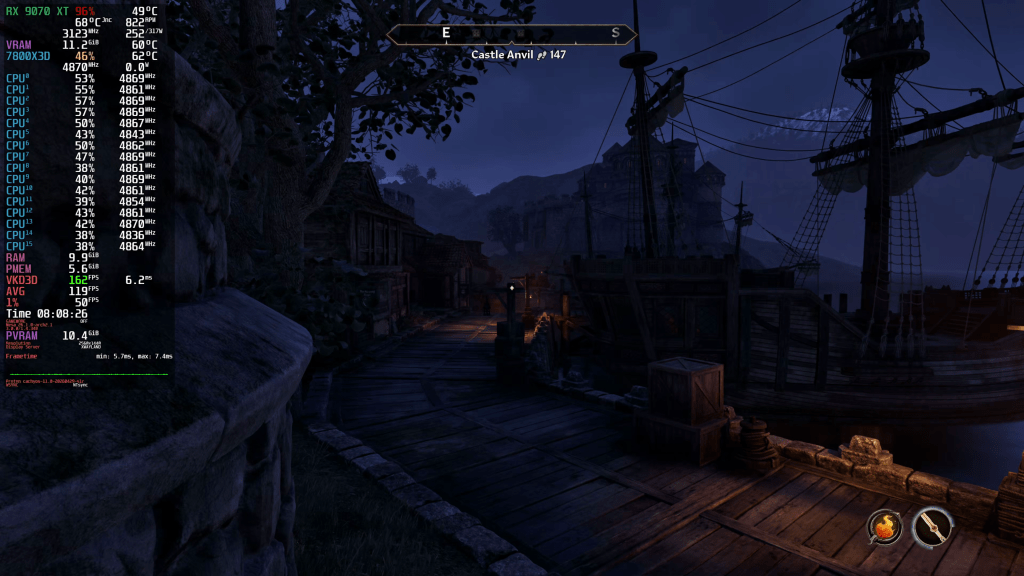
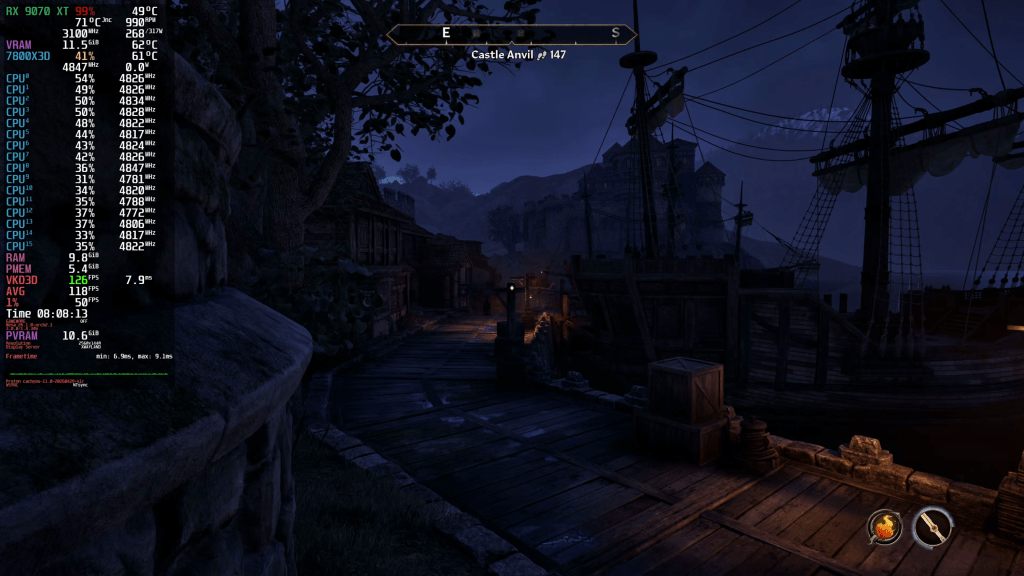
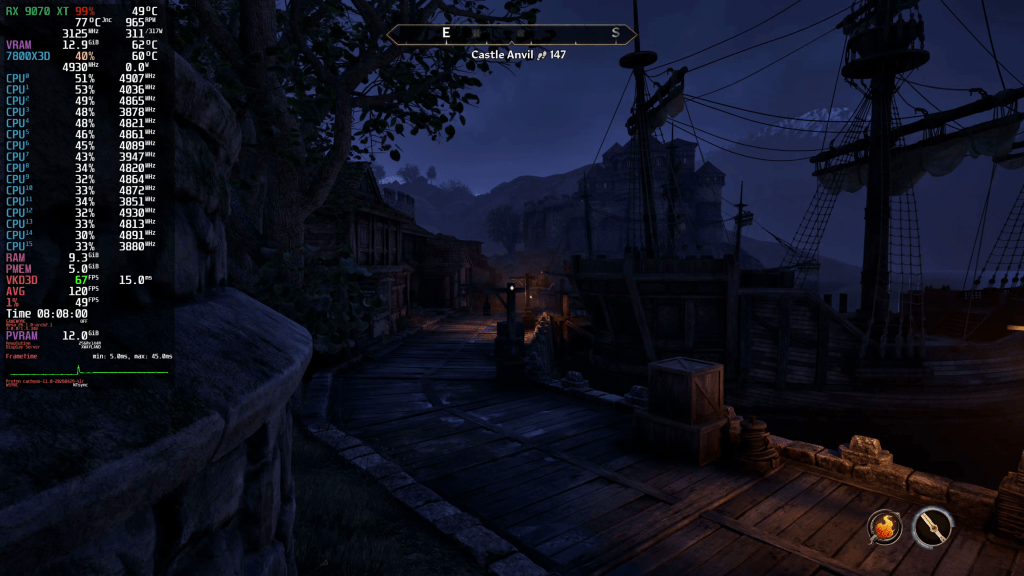
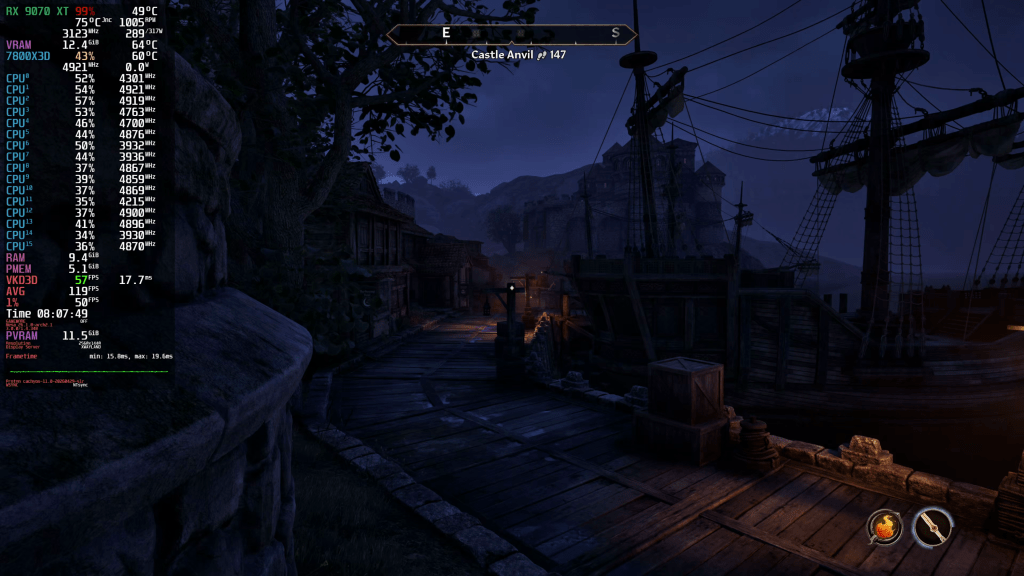
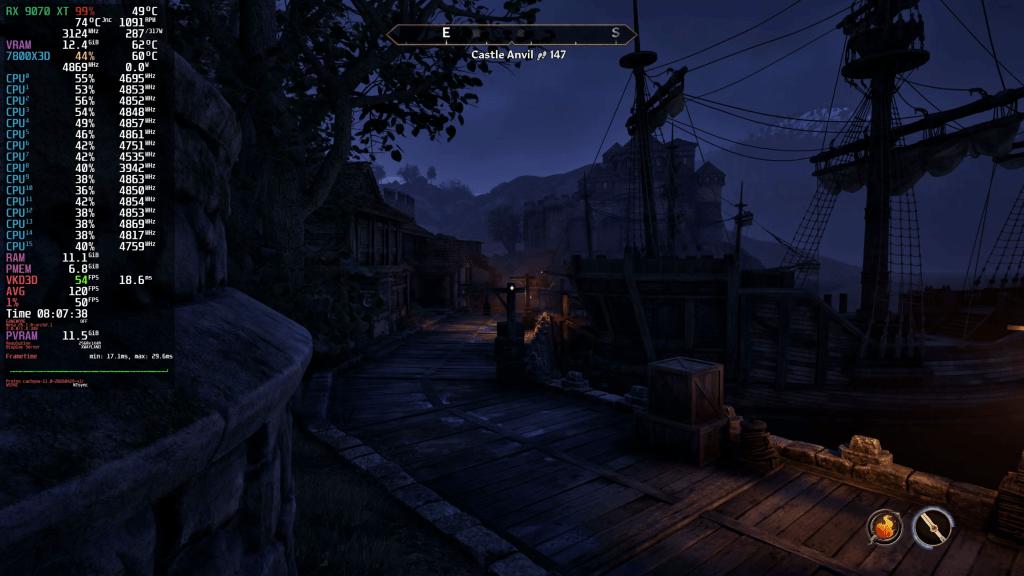
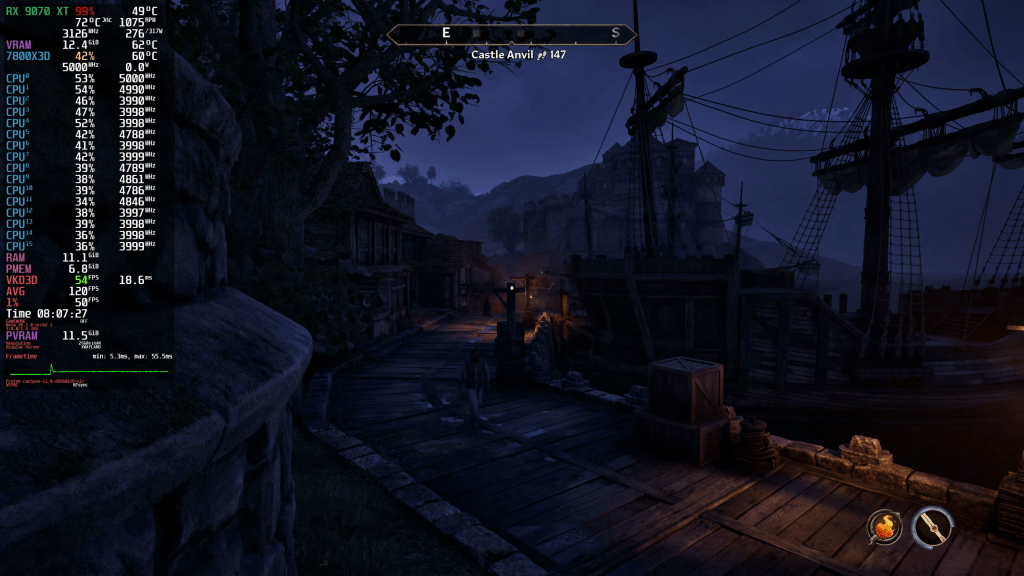
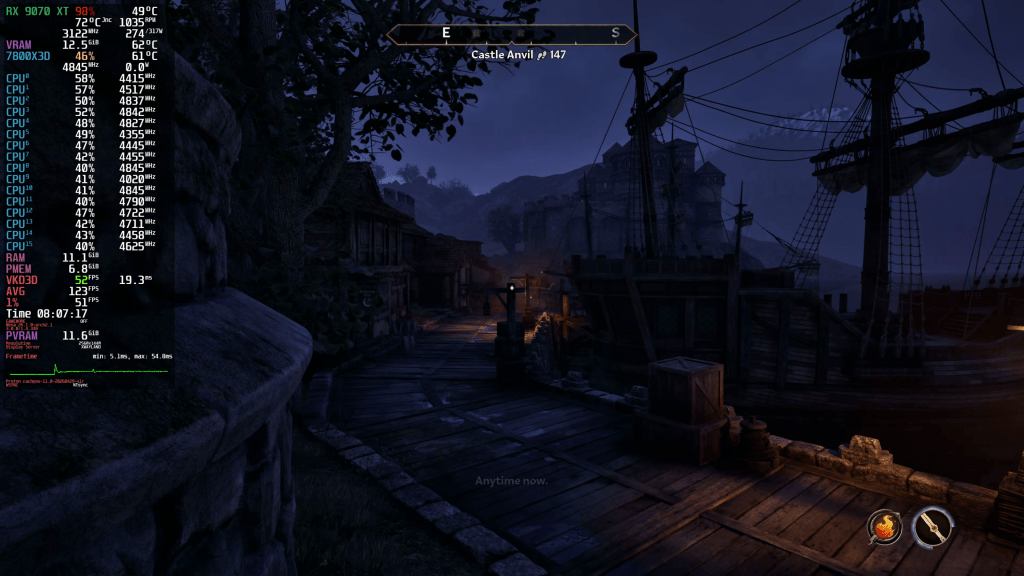
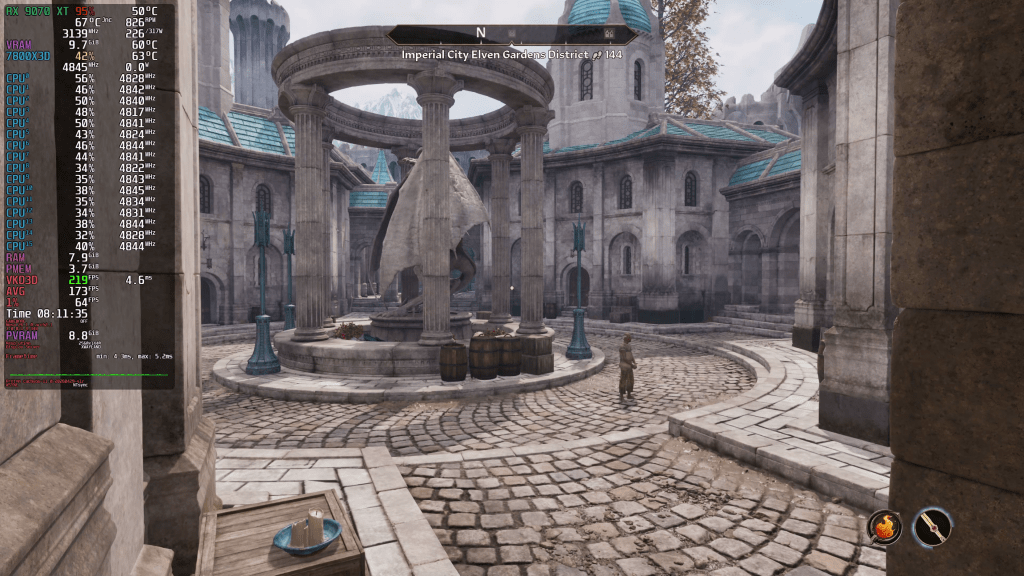
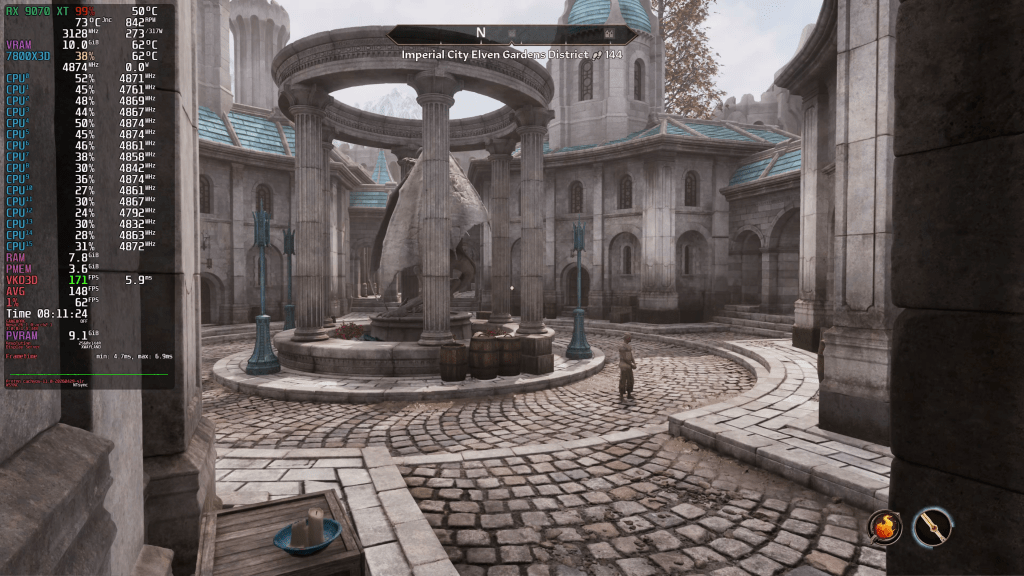
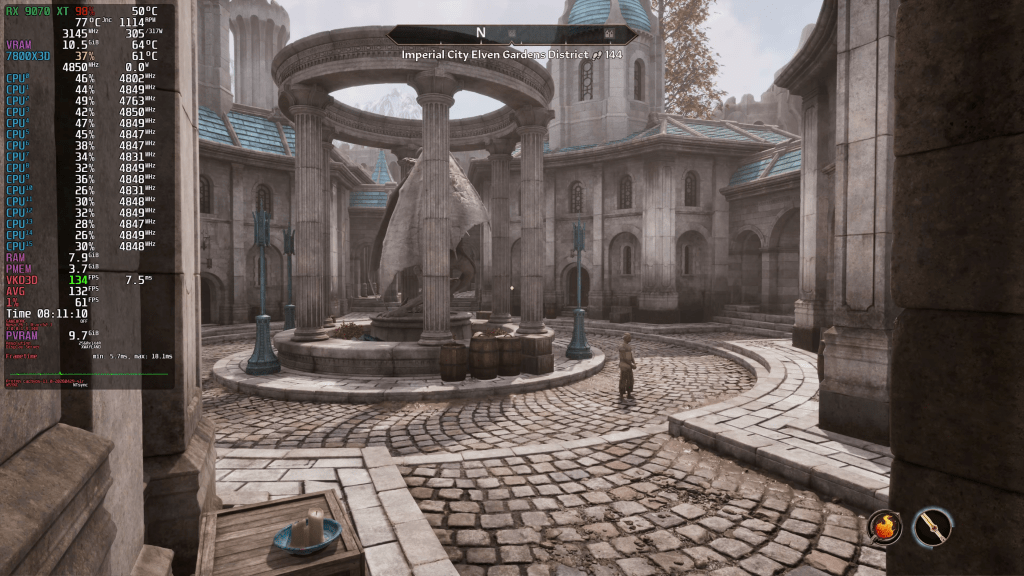
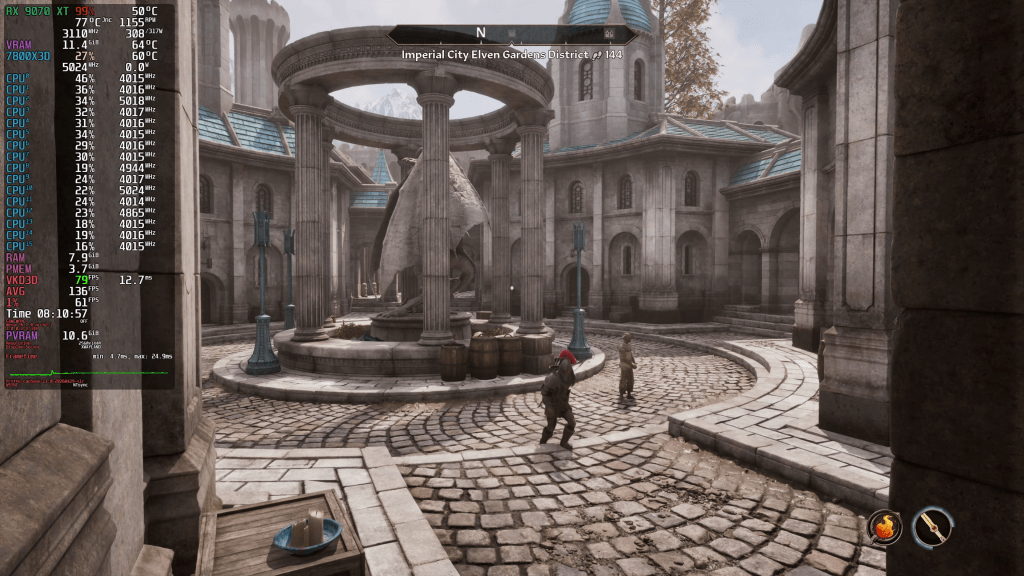
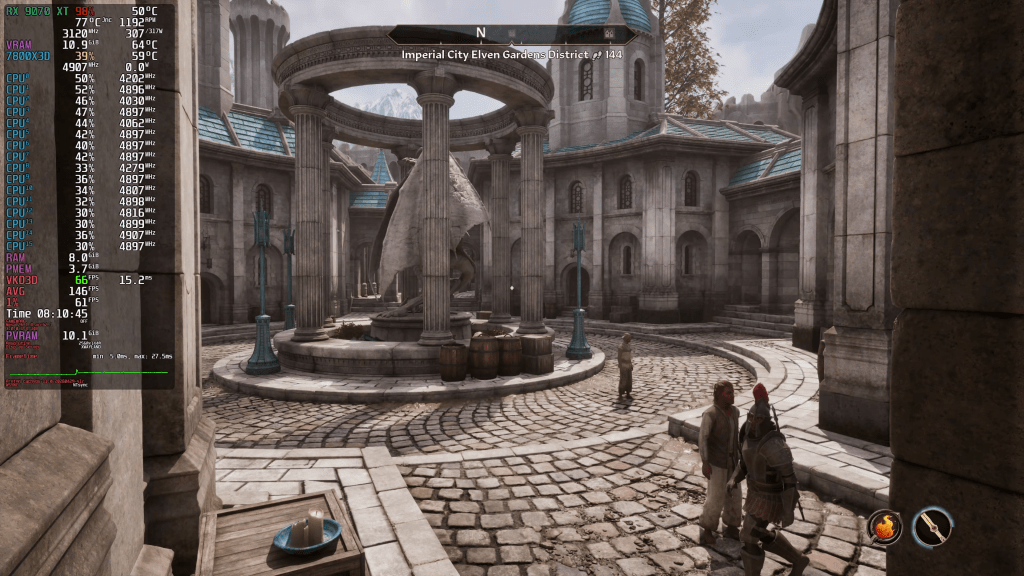
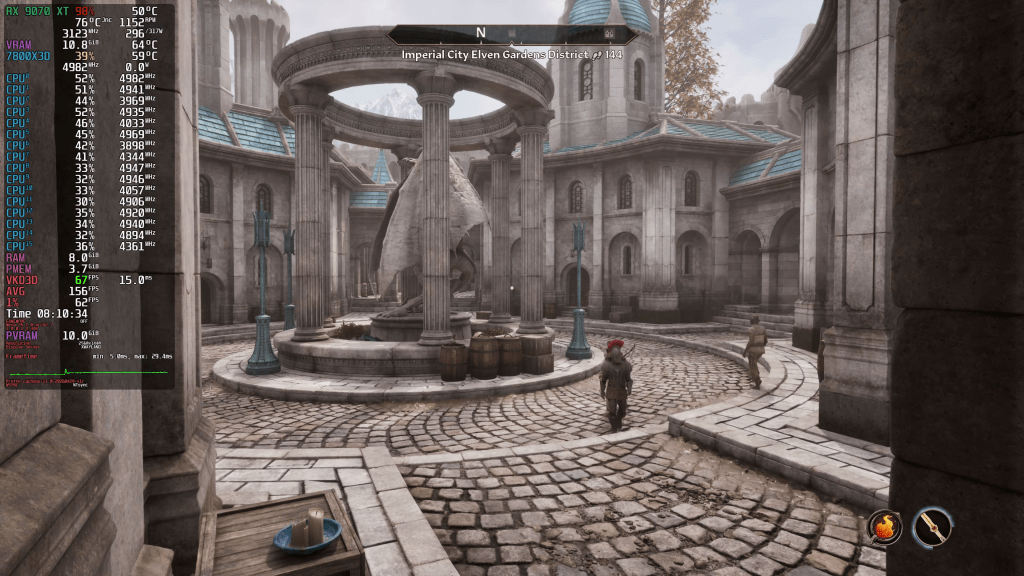
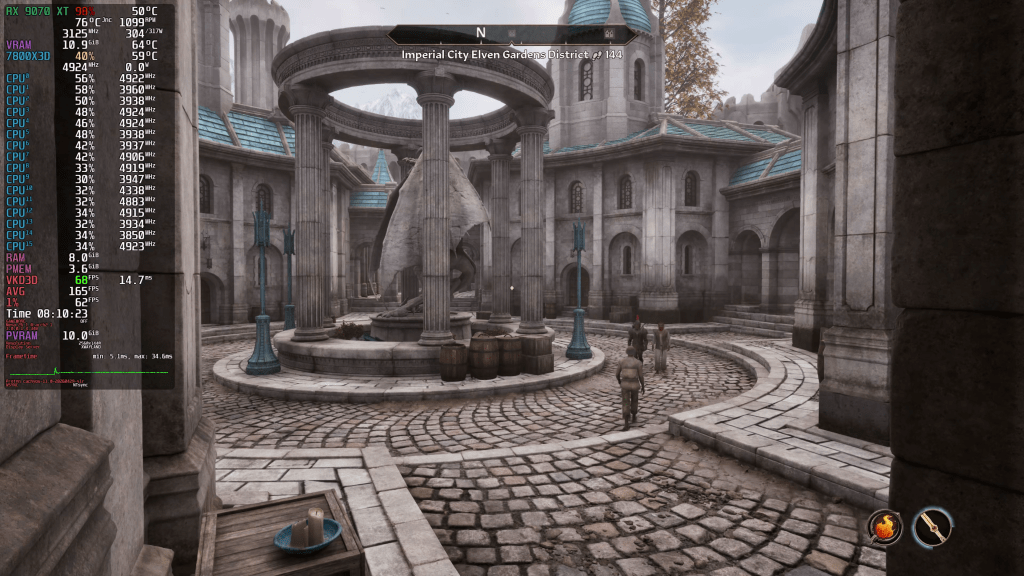
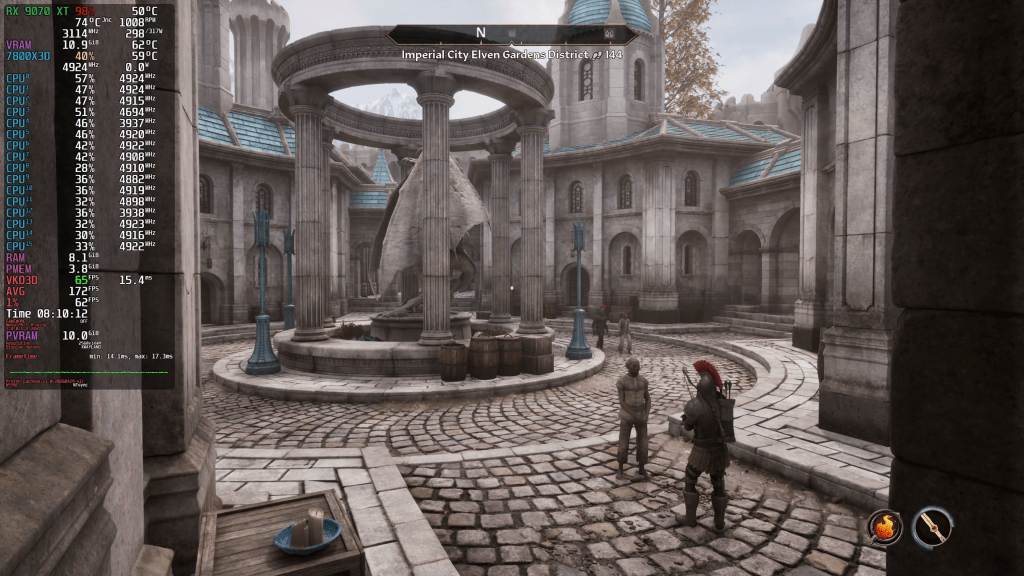
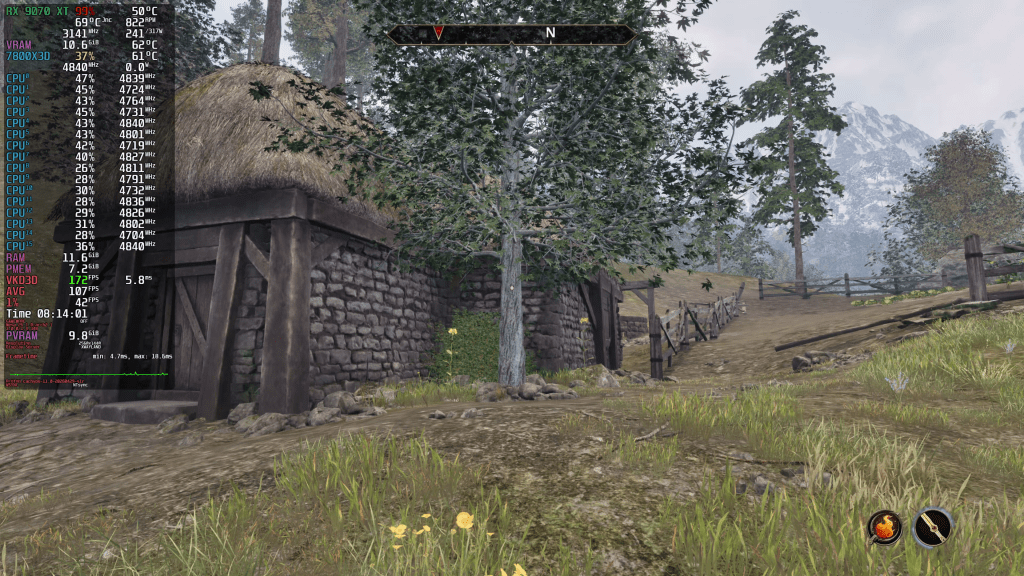
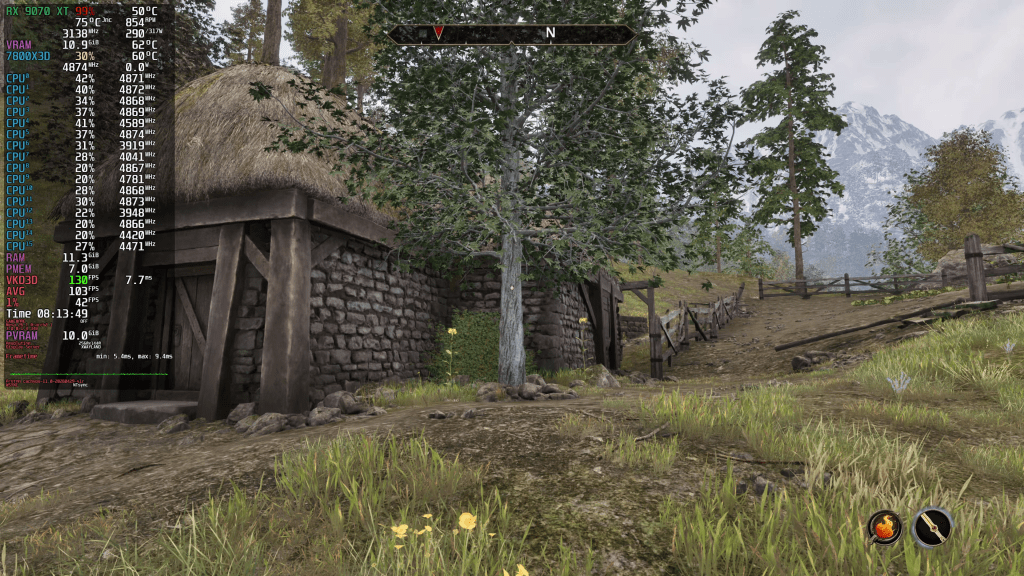
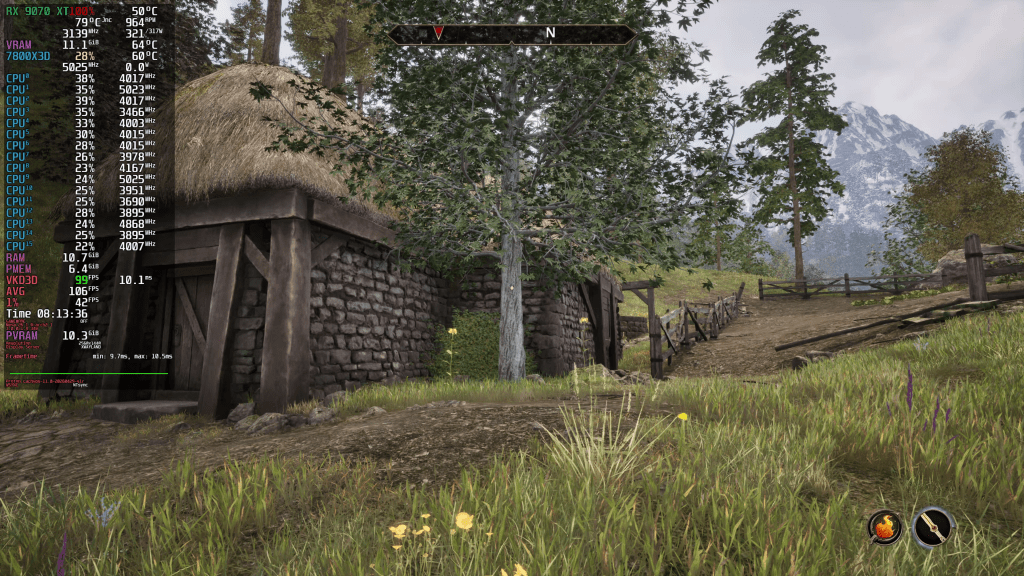
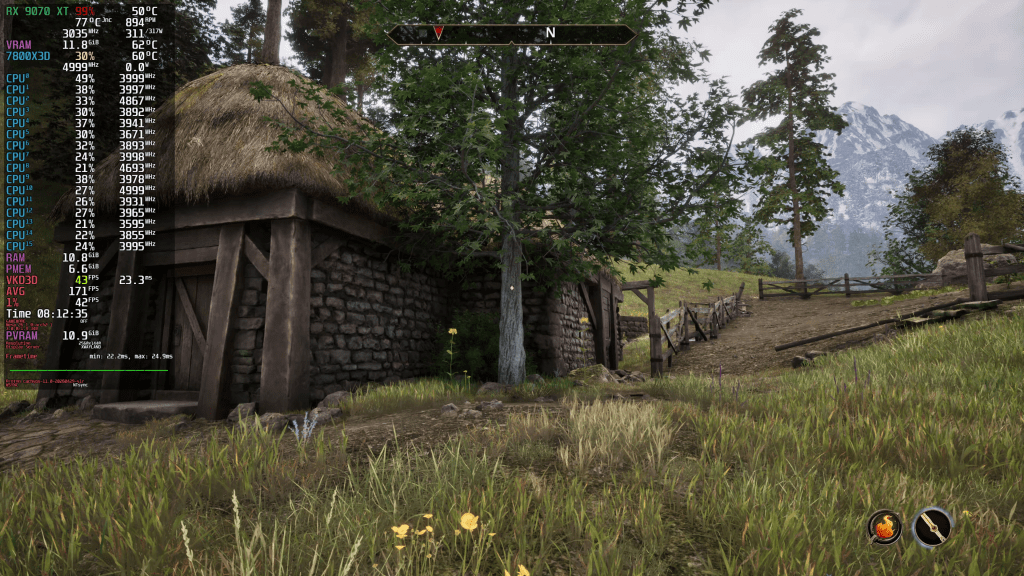
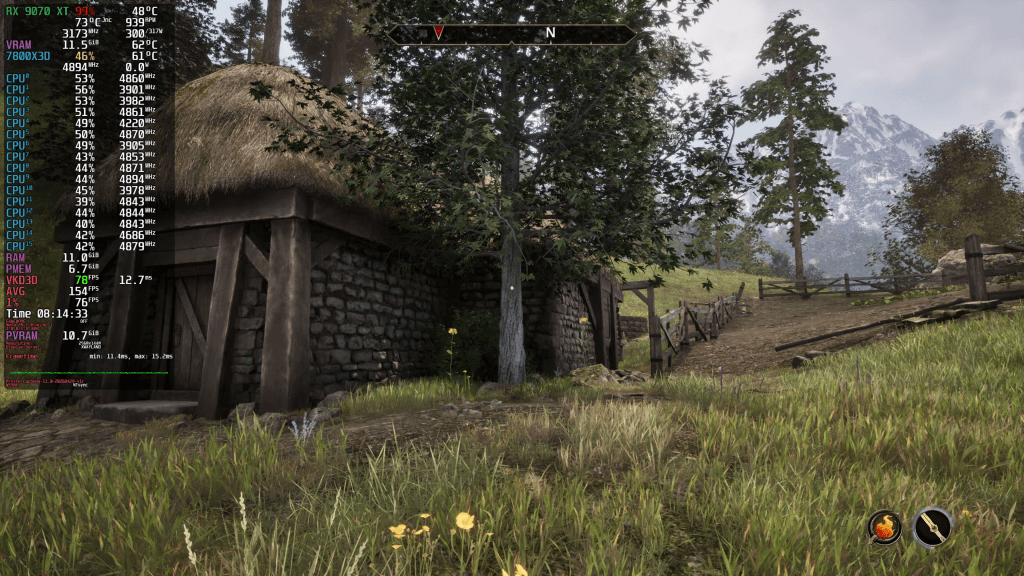
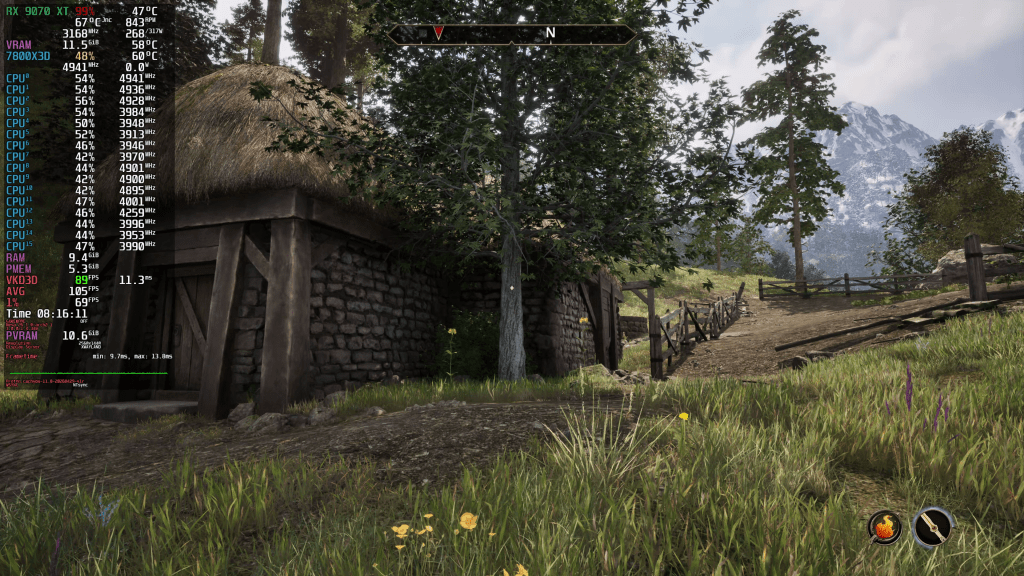
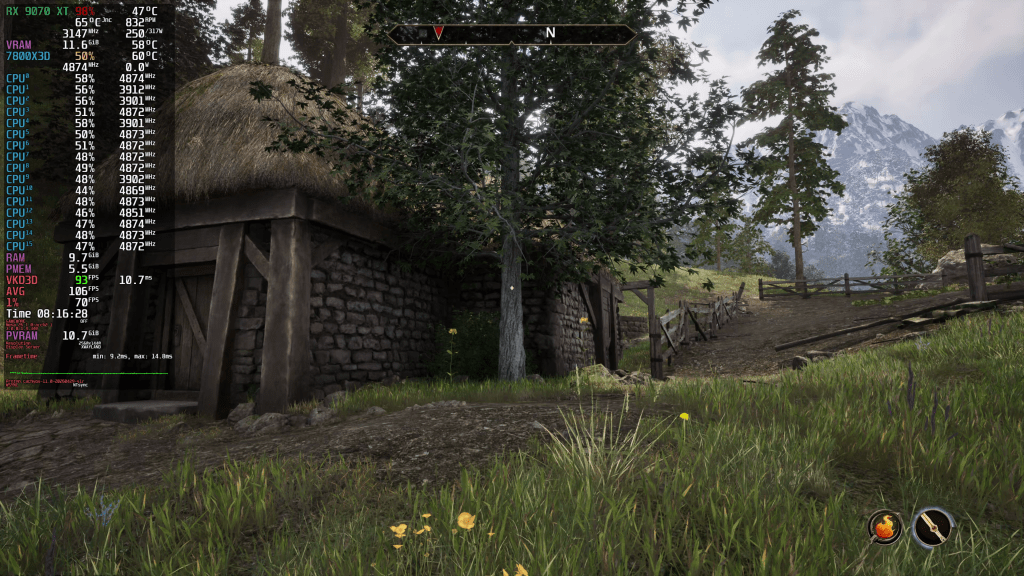
Famous Last Words
Alright, let’s get to it. Why is this a poor remaster? For one, I showed you the hitch-fest that’s constantly after you, like AI is currently after everybody’s soul. And the worst of it, Bethesda and Virtuos abandoned this remaster quicker than Donald Trump dropped Elon Musk. It’s gonna stay stutter-ville forever.
Another thing that bothered me to death was the endless barrage of loading screens between the simplest of areas. Want to enter a city? Loading screen. Want to enter a house? Loading screen. Want to get back into the world? Take a guess. Want to use the outhouse? You get the idea. This is incredibly annoying, especially for all the boring go-find-a-person-and-report-back missions – of which there are many. Looking back, people complained about Starfield having too many loading screens, but I found Oblivion Remastered way worse.
Now, I understand that this might be a limitation due to the old original code running underneath all that eye candy. But here’s the thing. The game looks like a Remake but plays like a game from the land before time. Whatever you touch, it’s like lipstick on a pig. Be it the world, quest design, combat, you name it. All dungeons looked the same, the combat was unexciting, and I found the Open World incredibly boring. The only thing that got excited was the frame-time graph spiking in the open world, like NVIDIA stock when Jensen says “AI”. But in reality it was traversal stutter.
Quests I encountered weren’t any better. I tried to play the Fighter’s Guild quest line, which was supposedly one of the better ones, according to some gaming podcasts I listen to. Well, it also sucked them goblin balls. All I did was fast-travel back and forth for meaningless busywork. There was no hook whatsoever, only loading screens and vacuous drivel. Maybe there are better quests, but I don’t care anymore. With the other game mechanics being as bad as they were, the Oblivion Remastered has nothing left to offer me. As a result, besides looking pretty, it quickly lost all its initial charm. I had so much nostalgia from over 100 hours of Skyrim, and I hoped Oblivion Remastered would rekindle the same flame. Sadly, after 20 hours, I’m ready to just burn it to the ground and forget it.
Interestingly though, users rate the game higher on Metacritic than Starfield, despite having similar flaws. At least for me, Starfield’s gameplay and stories were so much more enjoyable. Going forward, Bethesda really must rework their combat model and storytelling chops for Elder Scrolls 6 to stay relevant. The limited mechanics did not translate well at all into the modern age. Tainted Grail – The Fall of Avalon looks a lot more compelling, for example.
Anyway, now you know how Oblivion Remastered runs on Linux compared to Windows and why I think it shouldn’t exist. It’s a poor cash-grab. Which brings us right back to the horse armor metaphor from the beginning. And thus the circle has been closed.
I hope my negativity wasn’t too obnoxious.
Thank you for reading. Have an amazing day wherever you are.

