Capcom appears confident in its games and offers a generous demo of Onimusha: Way of the Sword for everyone to play. This game reminded me a lot of Nioh 3, only with a smartass as the main character. Just like Team Ninja has its own engine for the Nioh games, Capcom utilizes its in-house technology, the RE-Engine, for Onimusha, and, to spoil the ending, it runs beautifully. The RE-Engine already impressed me in Pragmata. But there’s a catch, one that already plagued Pragmata and, from what I could find, RE Requiem: Ray tracing. For some reason, this option is grayed-out in the main menu on Linux.
But first, let me welcome you to another Linux performance analysis.
Let’s dive right in and begin the dance of swords to quench our hunger for FPS with tasty humans.
Err… well… actually, I’m drawing an absolute blank when it comes to Onimusha, so it’s impossible for me to make silly references and jokes, as I normally try to do. What I just said refers to the demo, though. It has nothing to do with a diabolical taste for sacrifices.
(I swear.)
I also have a German version of the video.
Hardware & Software
Compared to my last analysis of AC Black Flag Resynced, Bazzite’s Deck variant finally received its long-awaited update and is now on version 44. With it came Kernel 7.2 and Mesa 26.2, which put it on par with CachyOS.
Since I really wanted to make use of FSR4 upscaling, I installed ProtonGE 11.5 on Bazzite. Usually, I try to emulate an out-of-the-box Steam experience with Bazzite, but as long as Steam’s default Proton does not support FSR4 and I have to use something else, I might as well use ProtonGE.
On CachyOS I used Cachy-Proton to fully indulge the Cachy hype.
The reason why I insisted on FSR4 was the game’s graphics presets. They include the upscaling quality factor. Otherwise, I would have been stuck with FSR3. If I want a blurry image, I can also get that by taking off my glasses.
(And FSR3 would still be worse in comparison to that.)
Since we’re on the topic of visuals: the resolution is 1440p.
Game Launch & Main Menu
Onimusha launches without any hiccups. Neither did it require launch parameters nor any other tinkering. The demo starts with a shader pre-compilation step, which seemed to have done its job, from what I could tell.
The main menu lets you set different languages for audio and text, which I appreciate. I’m less happy about how controller customization is handled. The game offers two layout presets from which you can choose, but there’s no full customization of all the buttons. To be honest, though, I had no issues with the „Defensive Layout“, as it matched my muscle memory. Additionally, it doesn’t look like you can fully customize the keyboard either. I couldn’t find an option, but I also didn’t look for it explicitly. That’s my bad.
Regardless of that, there are tons of options for the controls. The aim-speed settings alone fill a tightly packed screen. My favorite: auto-centering. I can’t stand when games recenter the camera behind the character during movement. I want to look where I want when I want. Great option!
The RE-Engine also offers many accessibility features. You can enable presets that bundle a bunch of settings or change them individually.
In terms of graphics presets, there are „Lowest“, „Low“, „Medium“, „High“, and „Ultra“. As I already mentioned, the upscaling factor is part of the overall presets. Starting with Medium, Quality upscaling is enabled. The presets below that use Performance and Balanced, respectively. Intel’s XeSS was not available for me. I don’t know if it’s a hardware-based filter or if Capcom just didn’t include it.
Ray Tracing
Onimusha: Way of the Sword also supports ray tracing, but as it was the case in Pragmata, Linux users cannot enable it. The setting is hard-locked by the game. I tried a few tricks that supposedly worked for Resident Evil Requiem to no avail. I set the RT option in the config file to „HIGH“ and it did show up in the menu. But it had no effect. The same is true for the launch parameter „WineDetectionEnabled=False“.
At the same time, I don’t think you’re missing out on much. What I saw on Windows and what I gleaned from the config file, Onimusha uses RT very sparingly. A bit of ambient occlusion here and reflections there seem to be it. Everything else the engine supports is disabled, even on the High RT setting.
And, to be honest, the reflections are not even the prettiest I’ve seen. At least in the demo areas. Actually, reflections are generally ugly in this game. To avoid the hideous screen-space artifacts, I disabled screen-space reflections.
Please remember: that’s based on the demo’s contents.
Performance
As I already mentioned in the Intro, the game’s performance is beyond doubt. What you’ve seen running in the background until now was the High preset. Now you’re looking at the Ultra preset. Yes, we need to keep in mind that Quality upscaling is also active. But modern, LLM-based upscaling tech is so good that you can use it at the 1440p resolution. And that’s why I installed ProtonGE. I wanted that sweet FSR 4.1.
However, that’s not the only reason Onimusha: Way of the Sword runs great. Although the visuals are attractive, with many small details and high object density, the global illumination looks decidedly last-gen. Everything has a gray-blue-ish look to it.
From what I could find, the game won’t release on PS4 or Xbox One, which raises a question as to why Capcom was so conservative. But then there’s the Switch 2, and from that angle, Capcom’s decision makes some sense. The signs are there for Nintendo’s little handheld to run the game well. I’m sure Digital Foundry will verify that at some point.
Before we get to the performance comparisons, let me shut my pie hole for a moment and show you a few more scenes on the Ultra preset.
Performance Comparison
Let’s now compare Bazzite, CachyOS, and Windows 11 in the Onimusha Benchmark. It combines cinematics and gameplay sequences and runs for quite a while. Apart from that, the benchmark is actually quite entertaining. The game clearly doesn’t take itself too seriously. I mean, it has a snarky, talking gauntlet. Let’s hope it doesn’t suffer the same fate as the last game trying that concept.
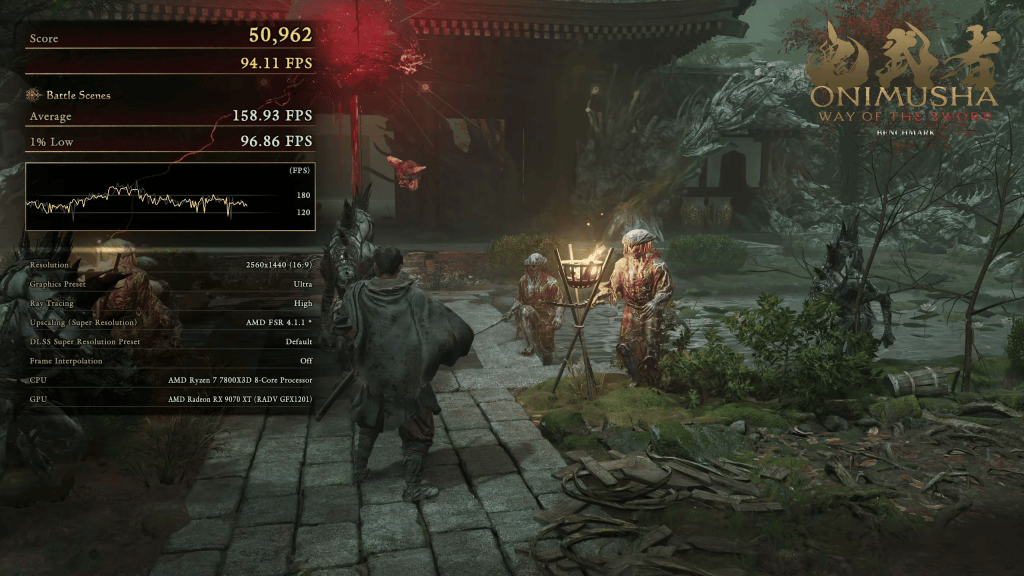
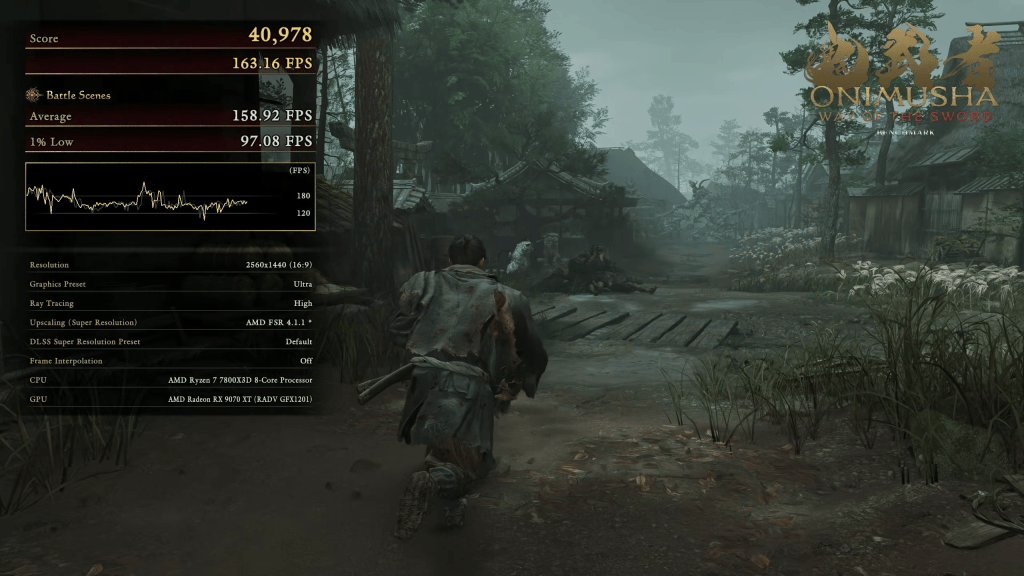
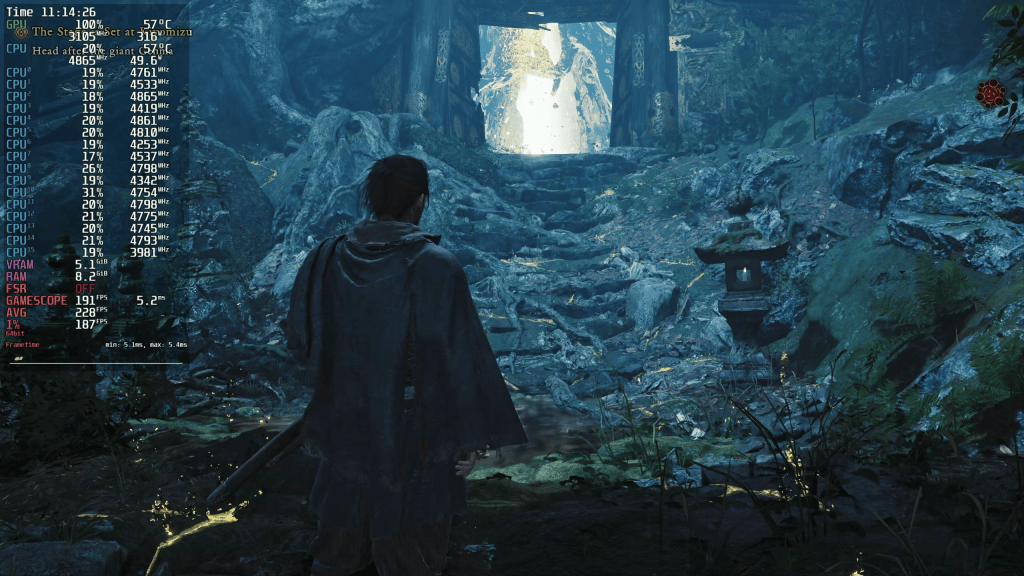
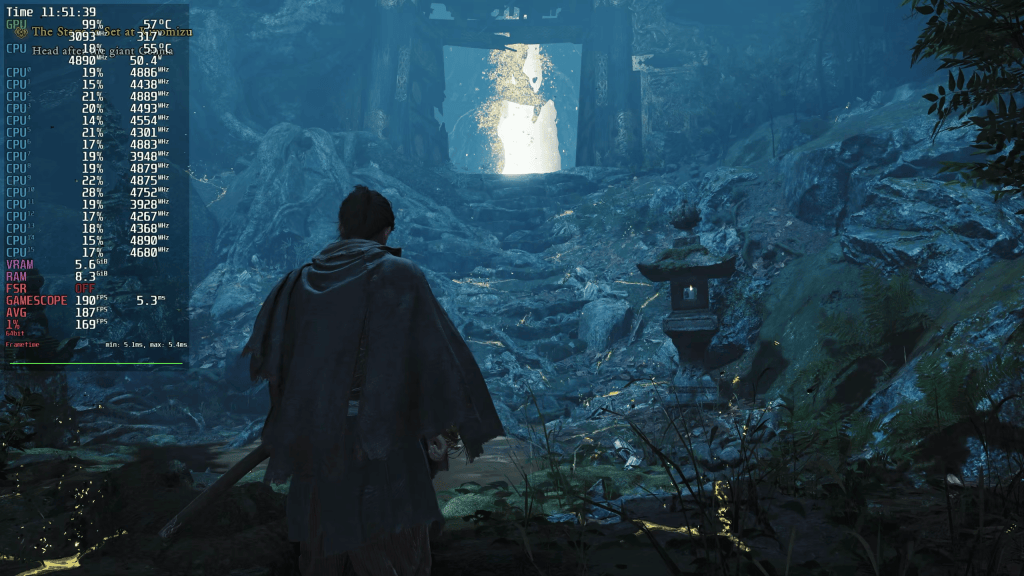
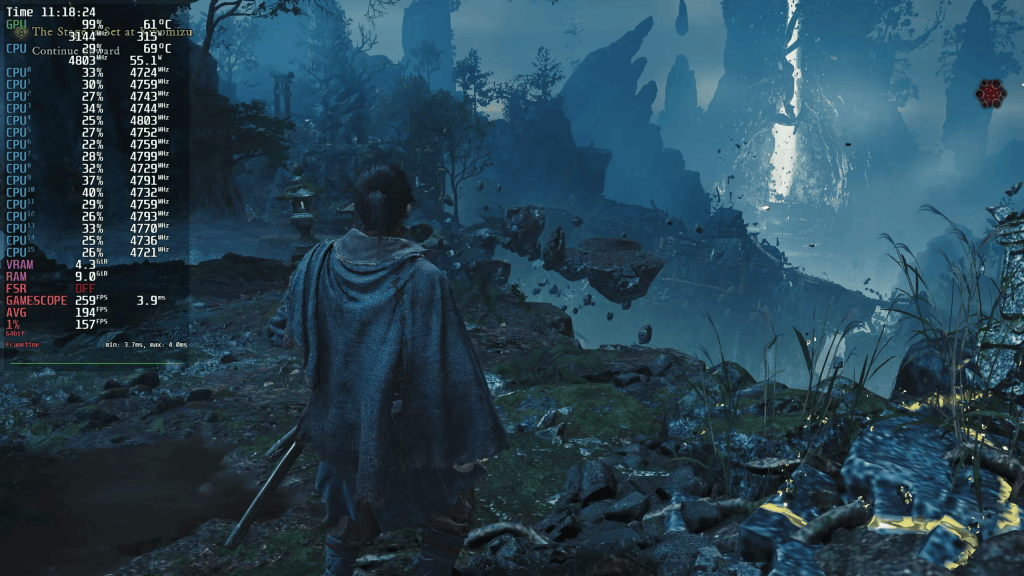
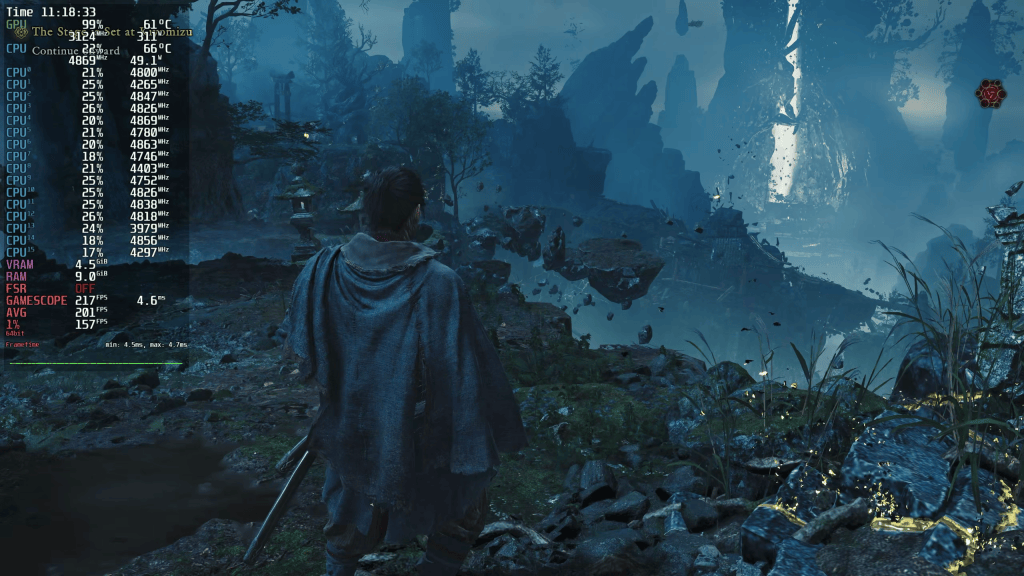
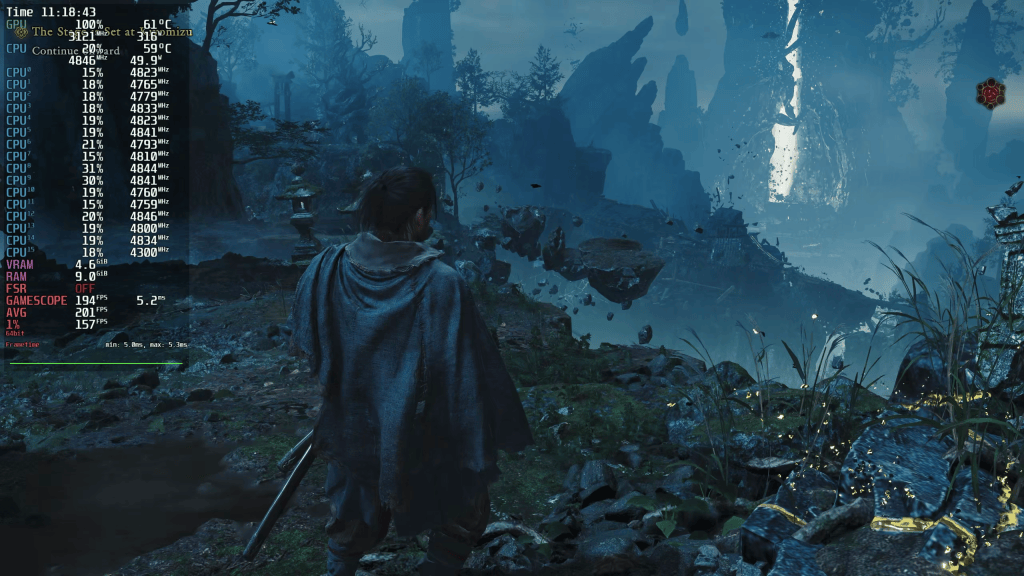
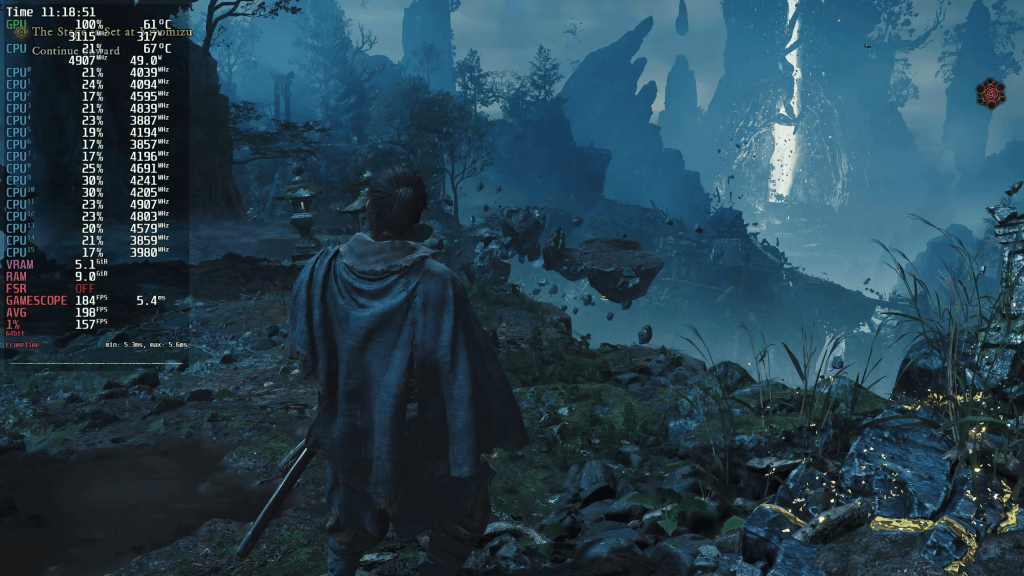
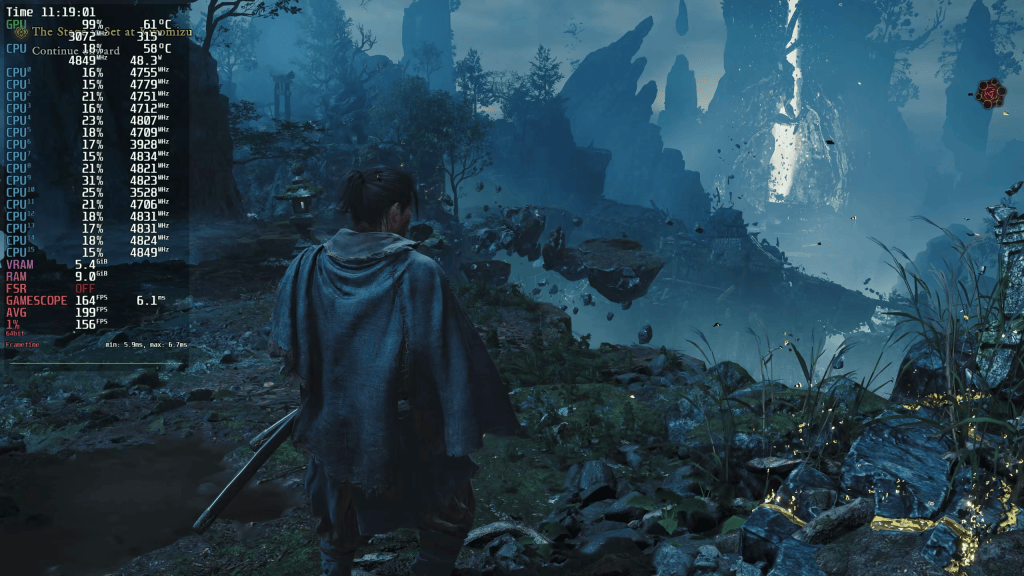
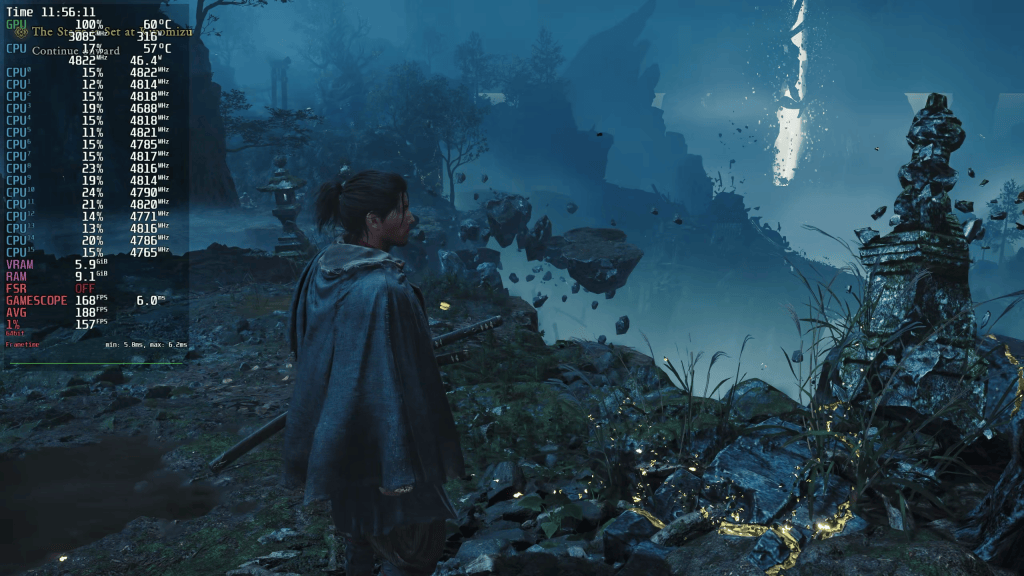
Using the Ultra preset, both Linux distros comfortably outperform Windows 11.
System                    Average FPS   1%-Low FPS
--------------------------------------------------
Bazzite (Top Left)        164           107
CachyOS (Top Right)       162           99
Windows 11 (Bottom Right) 152           95
Bazzite even achieves over 100 FPS in all areas. Windows is about 10 FPS behind on average. Bazzite can also set itself apart in the 1%-lows.
Although I double-checked the results, I did not run the benchmark multiple times to average the numbers. I was only interested in a rough comparison.
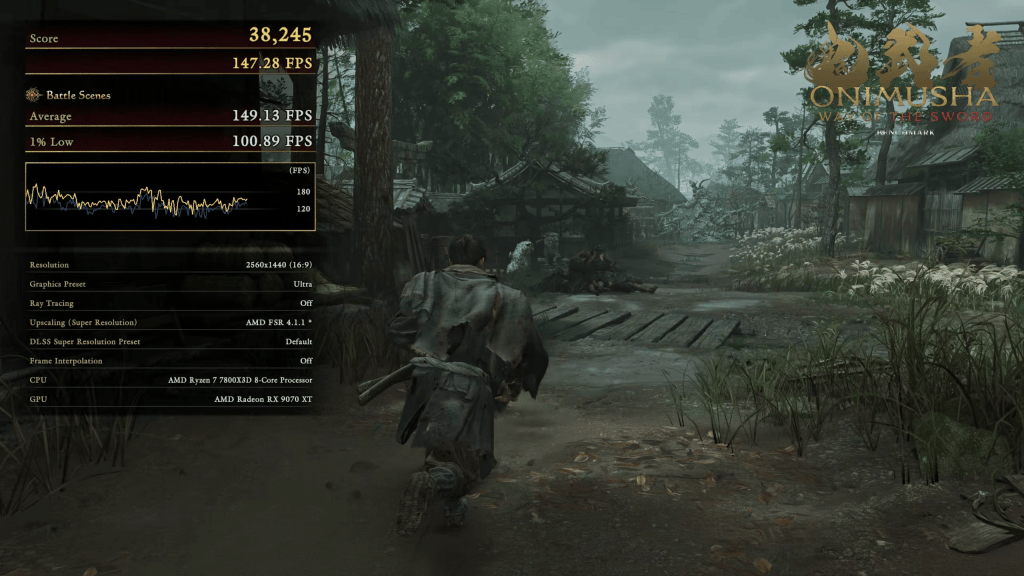
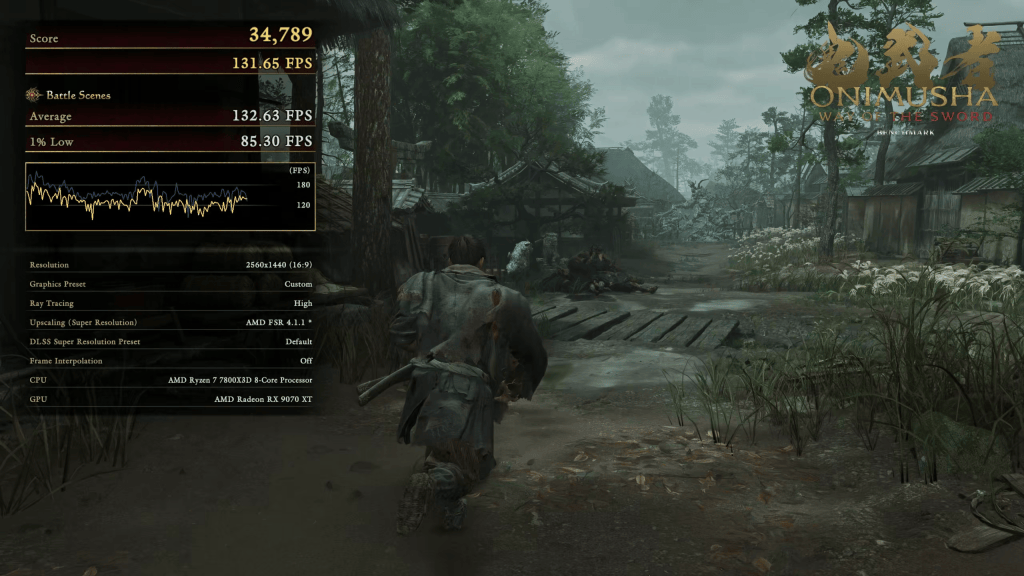
After I enabled ray tracing, it became obvious that something was off. While Windows clearly lost performance, Linux seemed unfazed. Once I noticed that, I compared a few benchmark screenshots and realized that RT was not active on Linux despite my best efforts.
System                    Average FPS   1%-Low FPS
--------------------------------------------------
Bazzite (Top Left)        163           100
CachyOS (Top Right)       162           102
Windows 11 (Bottom Right) 136           85
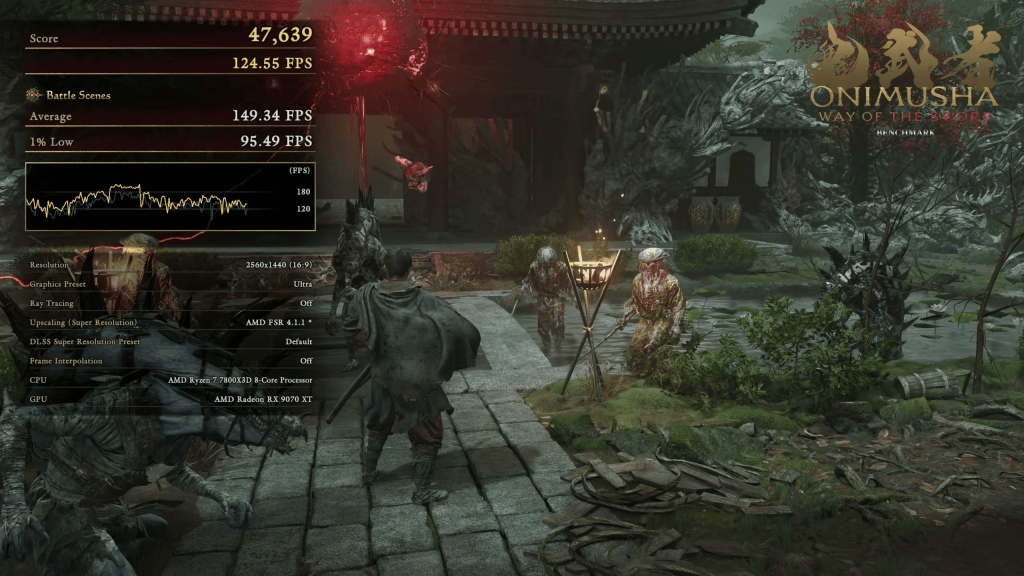
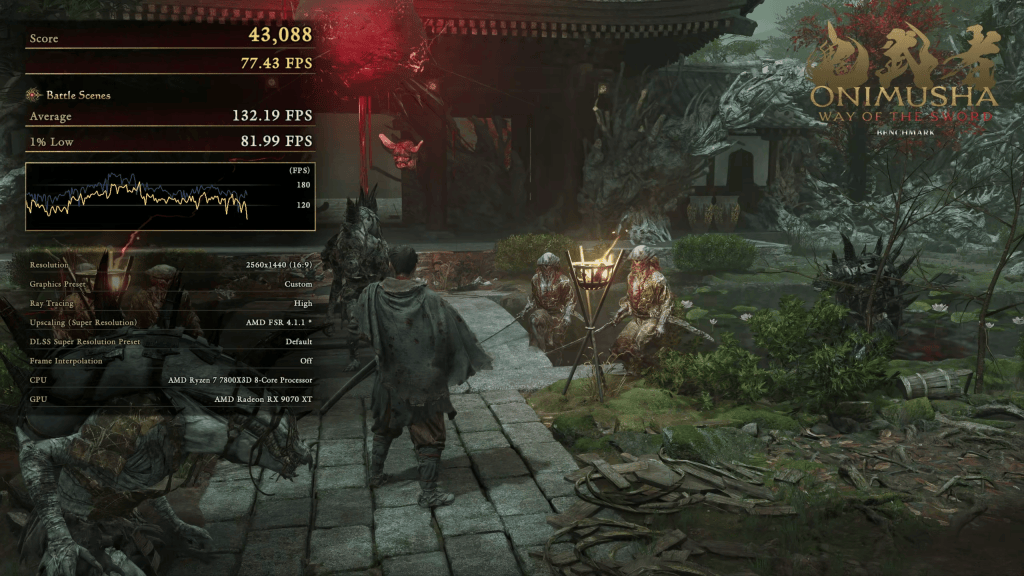
Screenshots
To make life a bit easier for me, I took the following screenshots on Windows this time. I wanted to include ray tracing to gauge performance scaling across the presets. It’s easier if I don’t have to try and match a scene on different systems. Using Windows allowed me to do that without restarting the game.
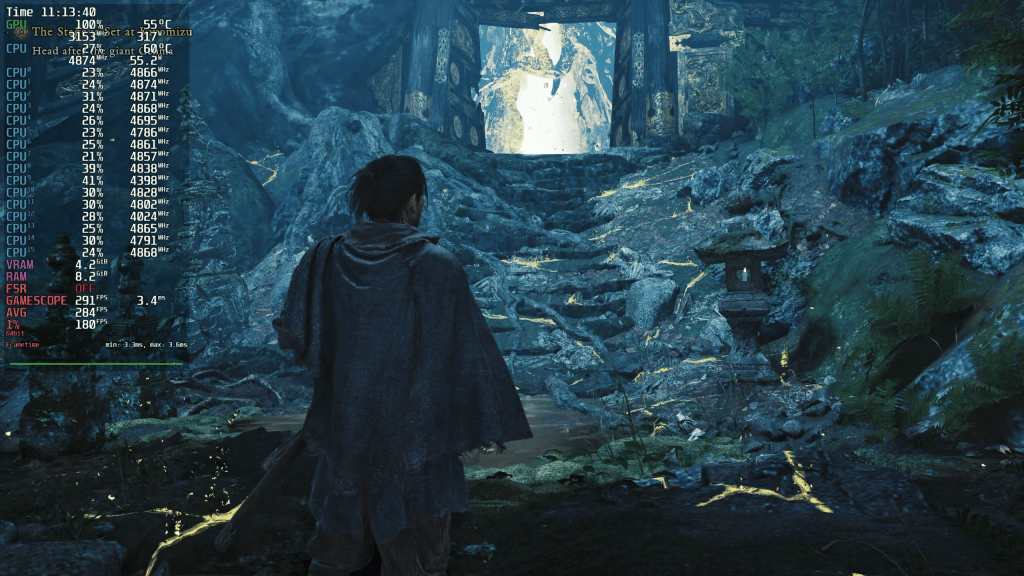
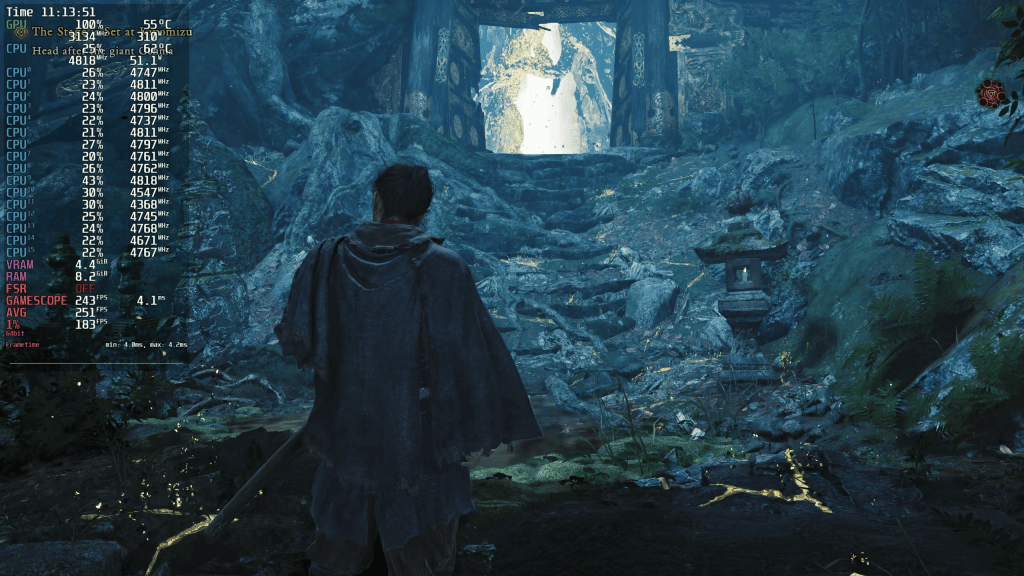
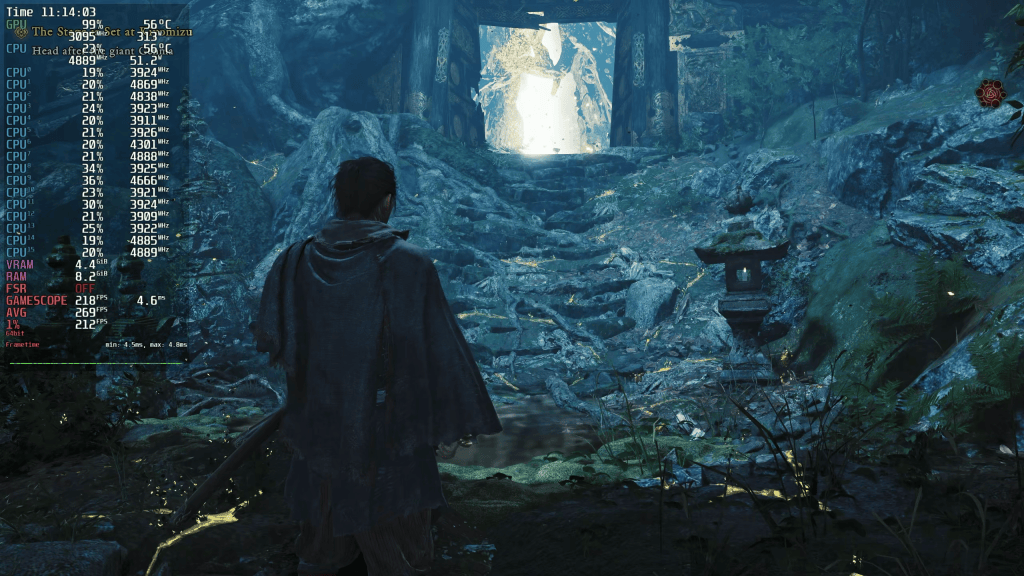
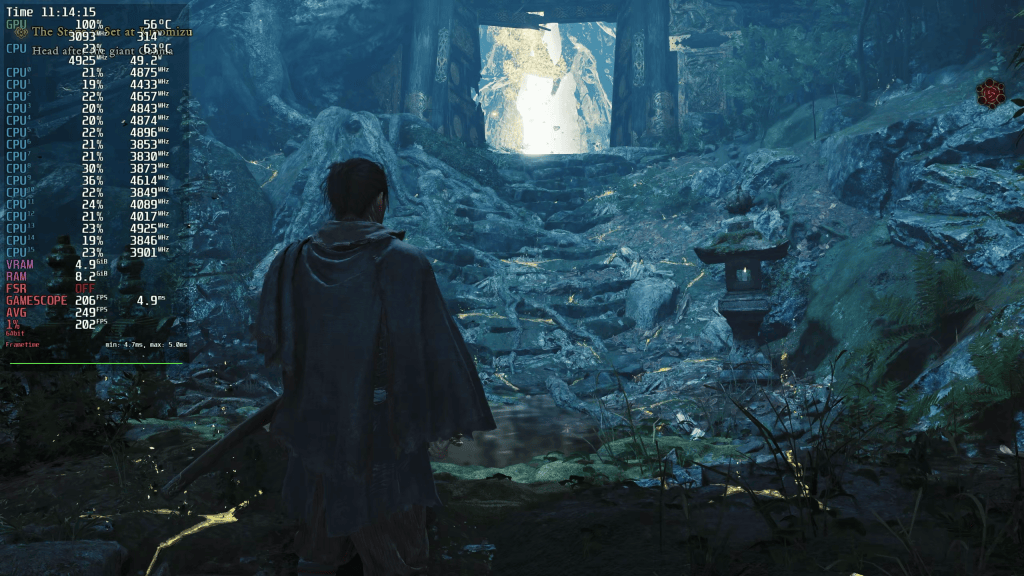
It’s clear as day that the visuals don’t improve too much when changing the presets. There’s a bit more foliage here and there, the ambient occlusion is stronger, and shadow and texture resolution are higher-res. The lowest and highest presets without RT are separated by 100 FPS, but it’s also a difference in upscaling quality levels: Performance vs. Quality.
The video contains more screenshots.
Famous Last Words
The Onimusha: Way of the Sword demo is quite generous and provided around 1.5 hours of fun for me. I have a full playthrough of the demo on my German channel, which also contains more gameplay with the performance overlay active.
My only complaint concerns the lack of ray tracing for Linux gamers. There must be an explicit „is-this-Linux“-check in the engine that hard-disables this feature. You may not lose out on much in Onimusha, but other titles like Resident Evil Requiem or Pragmata greatly benefit from RT. And since RE-Engine games seem to run very well on Linux, it’s a shame that not all features are available. I can only assume that it’s a technical issue, and I hope Capcom invests the time to sort it out. As it stands, the number of Linux gamers is not decreasing.
And that wraps it up.
Thank you for reading. I hope you’re not decreasing either and can escape the giant hungry monster of the demo and have a great day wherever you are.

